
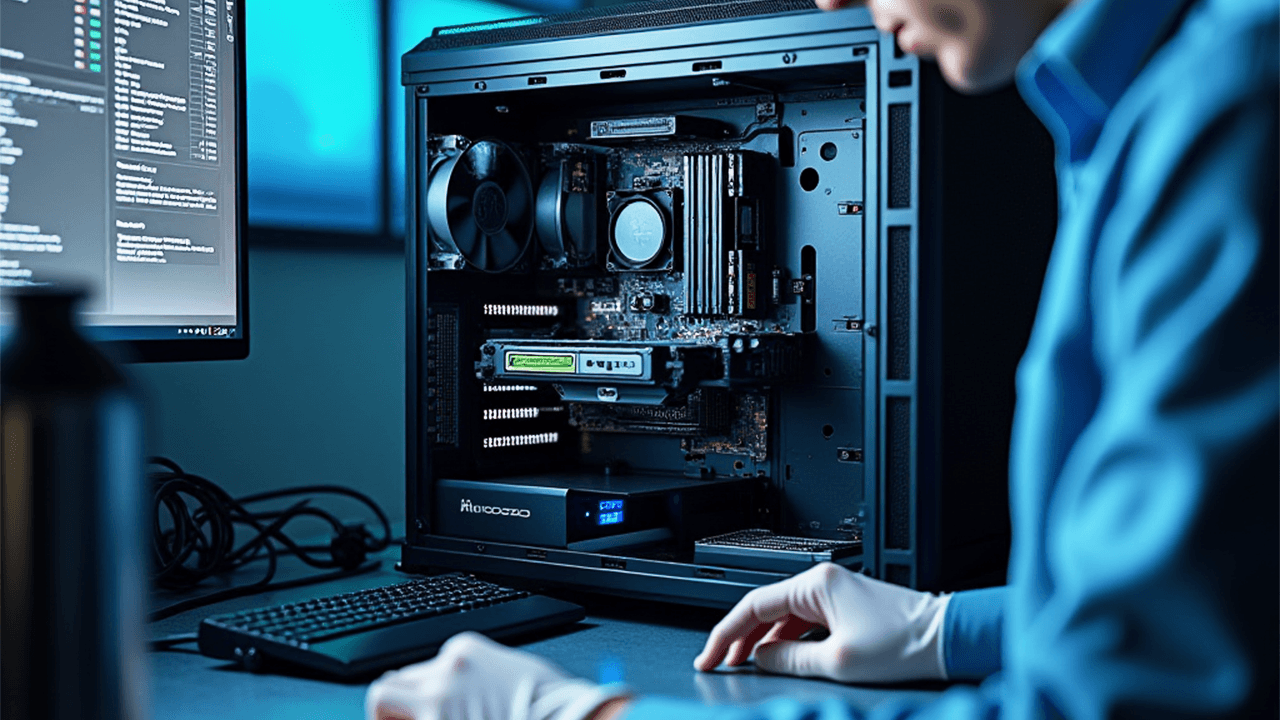

Computers aren’t “set and forget.” Over time, heat, dust, software clutter, and updates take a toll. With the year coming to a close, a PC health check is the smartest way to spot hidden issues early and keep your system running smoothly into the new year. Whether used for work, study, gaming, or daily tasks, PCs are affected by gradual wear, dust accumulation, and outdated software. A proactive inspection helps maintain performance, extend lifespan, and reduce the risk of unexpected issues.
The Essential Checks Behind Our PC Health Service

1. Internal Dust Cleaning
Dust is one of the most overlooked causes of PC performance and reliability issues. Over time, fine dust builds up inside the case, clogging fans, vents, and heatsinks. This restricts airflow, traps heat, and forces cooling fans to work harder than they should. The result is higher operating temperatures, increased fan noise, and faster wear on internal components.
As part of our health check, we carefully clean internal hardware, clear airflow pathways, and restore proper cooling efficiency. This essential step can significantly reduce overheating, prevent random shutdowns, and help extend the overall lifespan of your PC.
2. Thermal Paste Inspection
Thermal paste plays a critical role in keeping your processor cool by allowing heat to transfer efficiently between the CPU and its cooler. Over time, this compound can dry out and degrade, reducing its ability to dissipate heat properly. When this happens, CPU temperatures rise and performance can suffer due to thermal throttling.
During our inspection, we assess CPU temperature behaviour, check the condition of the existing thermal paste, and evaluate cooling efficiency under load. If needed, we apply fresh, high-quality thermal paste to restore proper heat transfer, helping your processor run cooler, more efficiently, and at optimal performance levels.
3. Drive Health Scan (SSD & HDD)
Hard drives and SSDs rarely fail without warning. In most cases, they show early signs such as bad sectors, read and write errors, or declining health indicators long before a complete failure occurs. These warning signals are often missed until it’s too late.
Our drive health check uses SMART diagnostics to analyse disk condition, identify error patterns, and assess failure risk and performance. By detecting potential issues early, you gain valuable time to back up important data and avoid unexpected drive failure or sudden data loss.
4. RAM & Startup Optimisation
A slow-starting PC is often the result of unnecessary startup programs, background services, or inefficient memory usage rather than ageing hardware. Over time, these hidden processes quietly add seconds or even minutes to boot times and slow down everyday tasks.
We review and fine-tune startup items, optimise memory usage, and reduce boot and load times to improve overall responsiveness. The result is a noticeably faster, smoother, and more efficient experience in daily use.
5. Antivirus & Security Audit
Security software is essential, but not all antivirus solutions are optimised for performance. Some tools consume excessive system resources, running constant background scans that slow your PC down rather than protecting it effectively.
We assess the impact of your antivirus on system performance, check for conflicts with other software, and review your overall security posture. Our aim is to ensure your PC remains properly protected without compromising speed, stability, or everyday usability.
6. OS & Driver Update Review
Outdated operating systems and drivers can lead to system crashes, hardware compatibility issues, and increased security risks. Even minor update problems can affect performance and reliability over time.
We review Windows updates, assess system stability, check driver versions for critical hardware, and identify any failed or incomplete installations. Keeping everything up to date helps ensure smoother performance, better hardware compatibility, and stronger overall security.
Why a Year-End PC Health Check Matters
Even a computer that appears to be running fine can hide developing issues beneath the surface. Gradual temperature increases, early signs of drive wear, or inefficient startup settings often go unnoticed until they result in crashes, data loss, or complete system failure.
A year-end PC health check helps prevent data loss, reduce the risk of sudden breakdowns, improve performance without the need for costly upgrades, and extend the overall lifespan of your system. It’s a smart, preventative step that ensures your PC is reliable and ready for the year ahead.
Book Your PC Health Check in London
If your PC has been running slower, louder, or warmer than usual—or if it’s simply been a while since its last check—now is the ideal time to act. Book your end-of-year PC health check with Focus PC, trusted IT and computer repair specialists serving customers across London. A small amount of preventative maintenance today can save you from major frustration, downtime, or costly repairs tomorrow.