

The majority of users experience a state of panic whenever a laptop fails to function or a PC crashes. The only concern at the time is the cost of repair or replacing the device.
The reality, however, that the majority of users fail to consider is:
The device can be replaced, but the information inside the device can, in most cases, not be replaced.
From personal photos to business information, from passwords to financial information, the true worth of a device is the information contained within the device.
Why Data Loss Is a Bigger Problem Than Hardware Failure
A broken laptop is inconvenient, but data loss can be permanent. What truly matters isn’t the device, but the data stored inside it, including work files, client information, personal memories, and business records. Losing this data can have serious consequences that go far beyond replacing a device. The real impact often includes:
lost income or disrupted work
- lost income or disrupted work
- security risks and exposure of sensitive data
- loss of important business or personal records
- emotional loss from irreplaceable files
Most people only realise how valuable their data is when it’s already too late.
The Most Common Causes of Data Loss
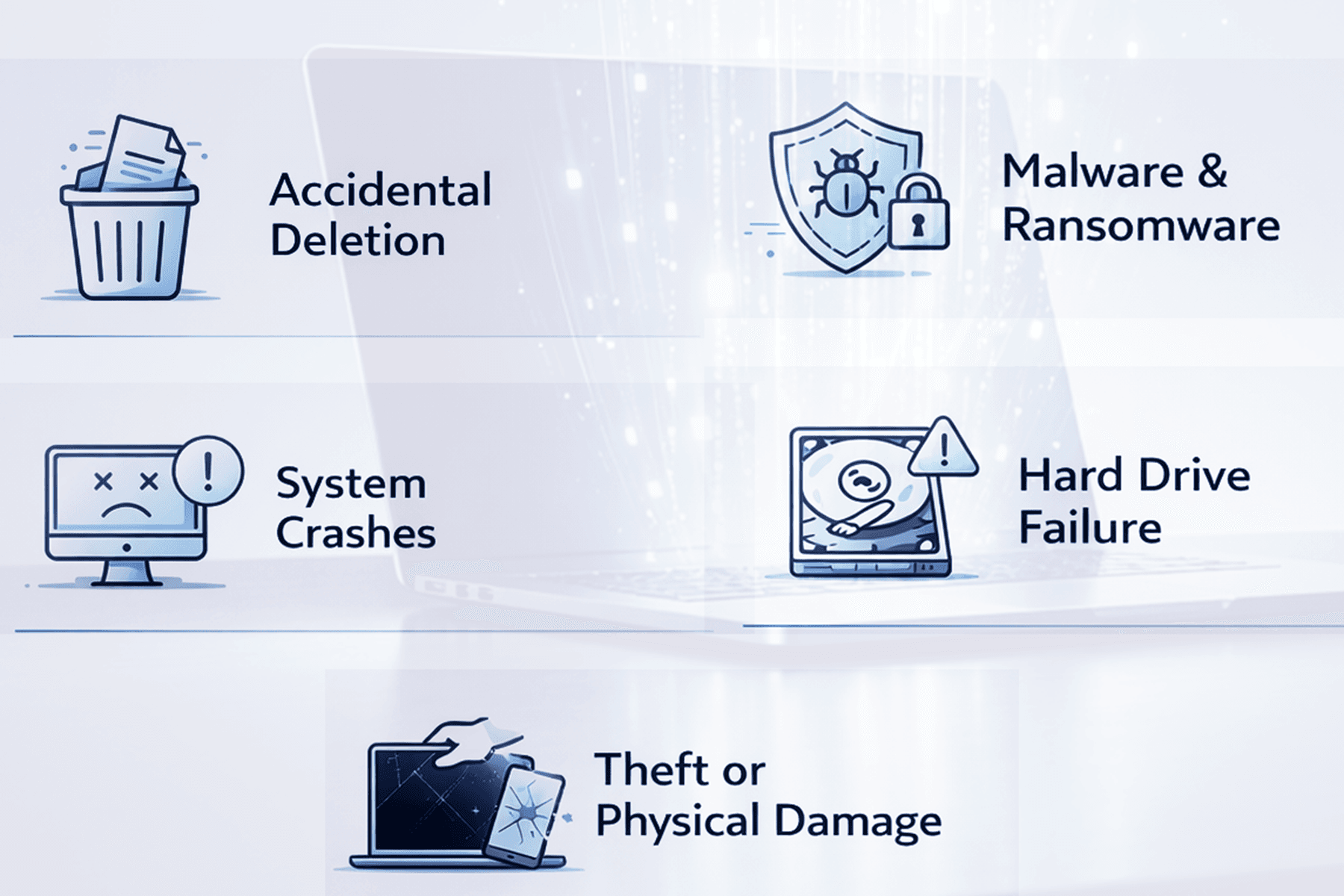
Data loss does not only happen due to hardware failure. In fact, most cases are caused by preventable issues.
1. Accidental Deletion
Files are deleted by mistake every day. Without backups, recovery is not always possible.
2. Malware and Ransomware
Malicious software can encrypt or destroy your data. Ransomware attacks are increasing, especially for small businesses.
3. System Crashes
Operating system failures or software corruption can make your data inaccessible.
4. Hard Drive Failure
Traditional drives wear out over time. SSDs can fail too, often without warning.
5. Theft or Physical Damage
If your device is stolen or damaged, your data goes with it unless it is backed up.
How to Protect Your Data Properly
Protecting your data requires more than one solution. The safest approach is a layered strategy that reduces risk from multiple angles.
1. Use Regular Backups
If you do nothing else, do this. A proper backup ensures your data is safe even if your device fails completely. The best approach is to combine cloud backups for secure off-site storage with a local backup on an external drive. Automating your backups and testing them regularly ensures everything works when you actually need it.
2. Protect Your System from Threats
Security is your first line of defence. A reliable antivirus or endpoint protection system, along with regular updates and firewall protection, helps prevent malware and ransomware attacks. Outdated systems remain one of the biggest vulnerabilities.
3. Avoid Risky Behaviour
Most data loss incidents are caused by simple human mistakes. Downloading unknown files, clicking suspicious links, using weak passwords, or ignoring security warnings can all lead to serious issues. Basic awareness goes a long way in preventing damage.
4. Use Strong Access Control
Your data is only as secure as the way it is accessed. Strong, unique passwords combined with two-factor authentication add an extra layer of protection. For businesses, managing user access and permissions is essential to reduce internal risks.
5. Plan for Recovery in Advance
Backups are only useful if you can restore them quickly. Having a clear recovery plan, verified backup systems, and reliable support ensures minimal downtime when something goes wrong. When data loss happens, time is critical.
Why Businesses Need Stronger Data Protection
For businesses, data loss is not just a technical issue. It is a financial and reputational risk.
Losing client data can result in:
Downtime and lost productivity
- Downtime and lost productivity
- Loss of customer trust
- Compliance issues
- Financial penalties
This is why professional data protection strategies are essential.
How Focus PC Can Help

At Focus PC, we help individuals and businesses protect what matters most. Our services include secure cloud and local backup solutions, data recovery planning and setup, malware and ransomware protection, and system optimisation with security hardening. We focus on prevention, not just repair.
Final Thoughts
Your device is replaceable, but your data is not. Waiting until something goes wrong is often the most expensive mistake you can make. Setting up proper backups and security takes far less time and cost than trying to recover lost data later. If you want to avoid future problems, the best time to protect your data is now.
If you need help protecting your data, get your system checked and secured by professionals. Contact Focus PC today to ensure your data stays safe, secure, and always recoverable.