


A laptop that suddenly won’t turn on can feel like a disaster, especially when you’ve got deadlines approaching or important files you can’t afford to lose. But a “dead” laptop isn’t always truly dead. Often, a few simple checks are enough to get it running again. And if those don’t work, that’s usually the point where an expert technician needs to step in and diagnose the real issue.
This guide explains why a laptop might stop turning on, the simple fixes you can try at home, and the signs that tell you it’s time to get help from a professional.
The Real Causes Behind a Laptop Failing to Power On
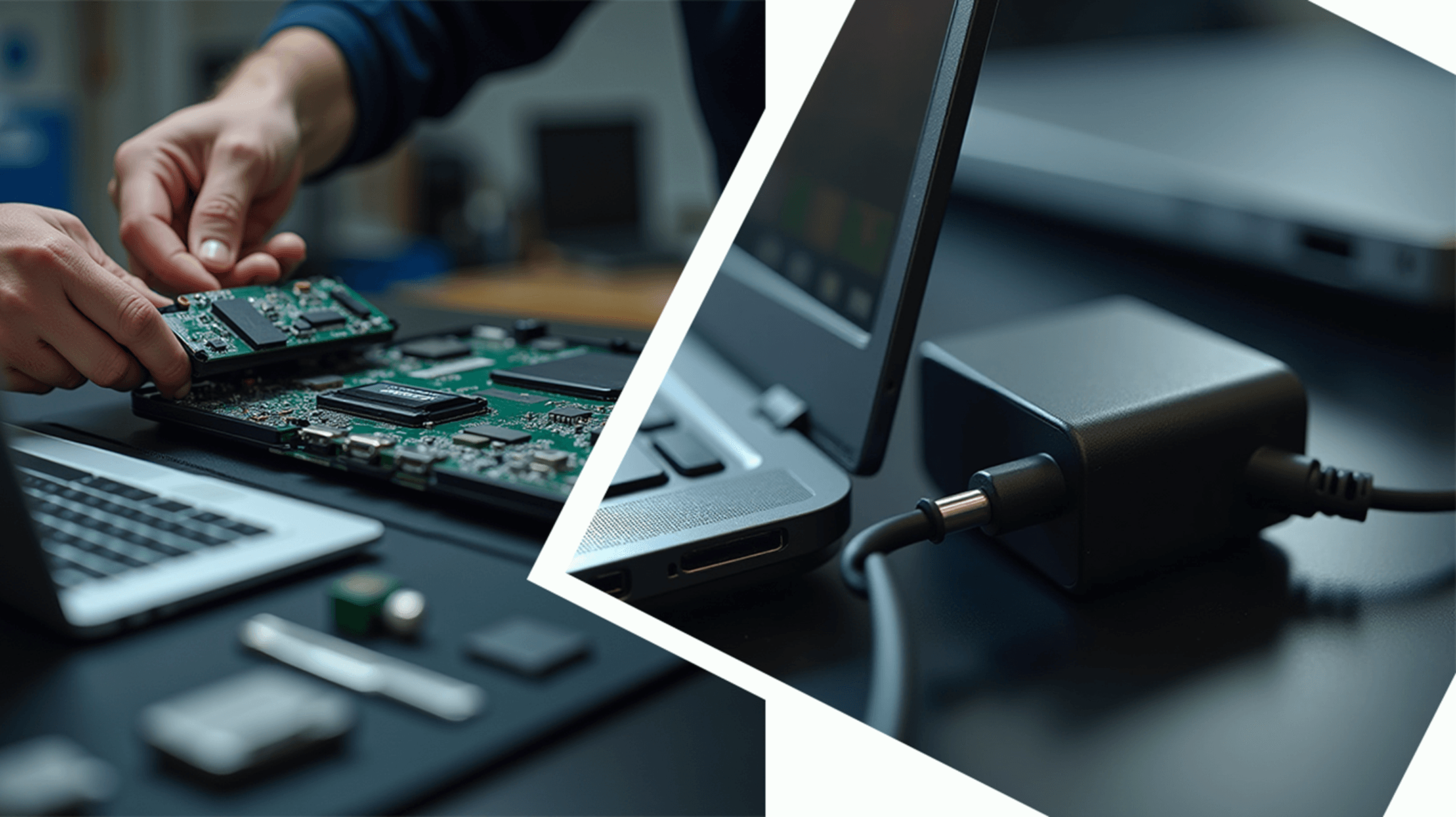
Modern laptops pack dozens of sensitive components into a tight chassis. A failure in any of them can prevent the system from turning on. The most common issues include:
- Faulty Charger or Dead Battery
A damaged power adapter is one of the most common reasons a laptop won’t turn on. In many cases, nothing is wrong with the laptop itself; it just isn’t receiving any power - Loose or Damaged DC Charging Port
If your charging jack moves around, feels loose, or only works when you hold it at a certain angle, your laptop may not be charging properly at all. - Static Build-Up on the Motherboard
Electrostatic discharge can cause temporary motherboard freezes, making the laptop appear completely dead. - Faulty RAM or SSD
If your RAM module or internal storage fails, the laptop might turn on for a moment and then shut off, or it may not power on at all. - BIOS, Motherboard, or Power Circuit Failure
Severe issues such as shorted circuits, burnt components, or corrupted BIOS firmware typically require a professional repair.
DIY Fixes to Try Before Calling a Technician
Before assuming the worst, go through these simple checks that often solve the problem:
1.Test the charger and wall socket by trying a different power outlet, and check for any charging LEDs, even a faint blink, as it can indicate that the laptop is responding.
2. Remove the Battery (If Possible), take it out, press and hold the power button for 20 seconds to discharge static energy, then reconnect the charger and try turning it on again. This simple reset can sometimes revive a frozen motherboard. This drains static energy and can revive a frozen motherboard.
3. Boot with Only the Charger- A dead or faulty battery can sometimes stop a laptop from starting, so remove the battery if possible and try powering it on using only the charger to see if it responds.4. Check for Screen Activity.
Sometimes the laptop actually turns on but the screen stays blank. Look for signs such as a backlight glow, faint text visible when you shine a flashlight at the display, or keyboard lights and fan movement. If any of these are present, the issue is likely related to the screen or the internal display cable rather than the laptop’s power system.
5. Try Reseating RAM (For Users Comfortable Opening the Back Panel)
A loose RAM module can stop the laptop from starting, so remove both sticks and insert them one at a time to test whether a faulty or improperly seated module is causing the issue.
Clear Signs Your Laptop Needs Professional Repair
If your laptop still doesn’t turn on after trying the steps above, the problem is likely more serious, and attempting further DIY fixes could cause additional damage.
If your laptop still refuses to turn on after you’ve gone through the basic checks, it usually means the problem lies deeper than a loose cable or drained battery. At this point, the issue often involves components like the motherboard, BIOS firmware, charging circuits, or internal power rails.
Trying to fix these complex faults on your own can easily make things worse, especially without the right tools or experience. This is typically the stage where a qualified technician should step in, diagnose the root cause, and prevent further damage.
Why Choosing the Right Repair Centre Matters

Not every repair shop takes the time to diagnose a laptop properly. Some jump to conclusions, recommending full motherboard replacements even when a smaller component could be repaired. Others overlook cost-effective chip-level solutions or try to upsell services you don’t actually need. At Focus PC, we do things differently.
Precision Diagnostics
We pinpoint the exact component that’s causing the problem, whether it’s a faulty power rail, a battery controller, a RAM slot, or an issue within the BIOS system.
Board-Level Repairs
Instead of replacing the entire motherboard, we repair components at chip level, saving you money.
Honest Pricing & Transparent ReportingNo hidden fees. No misleading diagnoses.
You’ll know the real issue and the best possible repair option.
Same-Day or Next-Day Service (for Most Issues)Our technicians work efficiently so you’re never without your device longer than necessary.
Final Takeaway: Don’t Panic, Diagnose Smartly
A laptop that won’t start doesn’t always mean a costly disaster.
Start with basic checks, eliminate simple issues, and if the laptop stays unresponsive, let a professional handle the rest.
Need Fast & Reliable Laptop Repair in London?
At Focus PC, we bring dead laptops back to life every day — from power issues to burned motherboards and BIOS failures.
Get expert diagnostics, honest pricing, and repairs you can trust.
Let Focus PC bring your laptop back to life — with expert diagnostics and transparent pricing.