
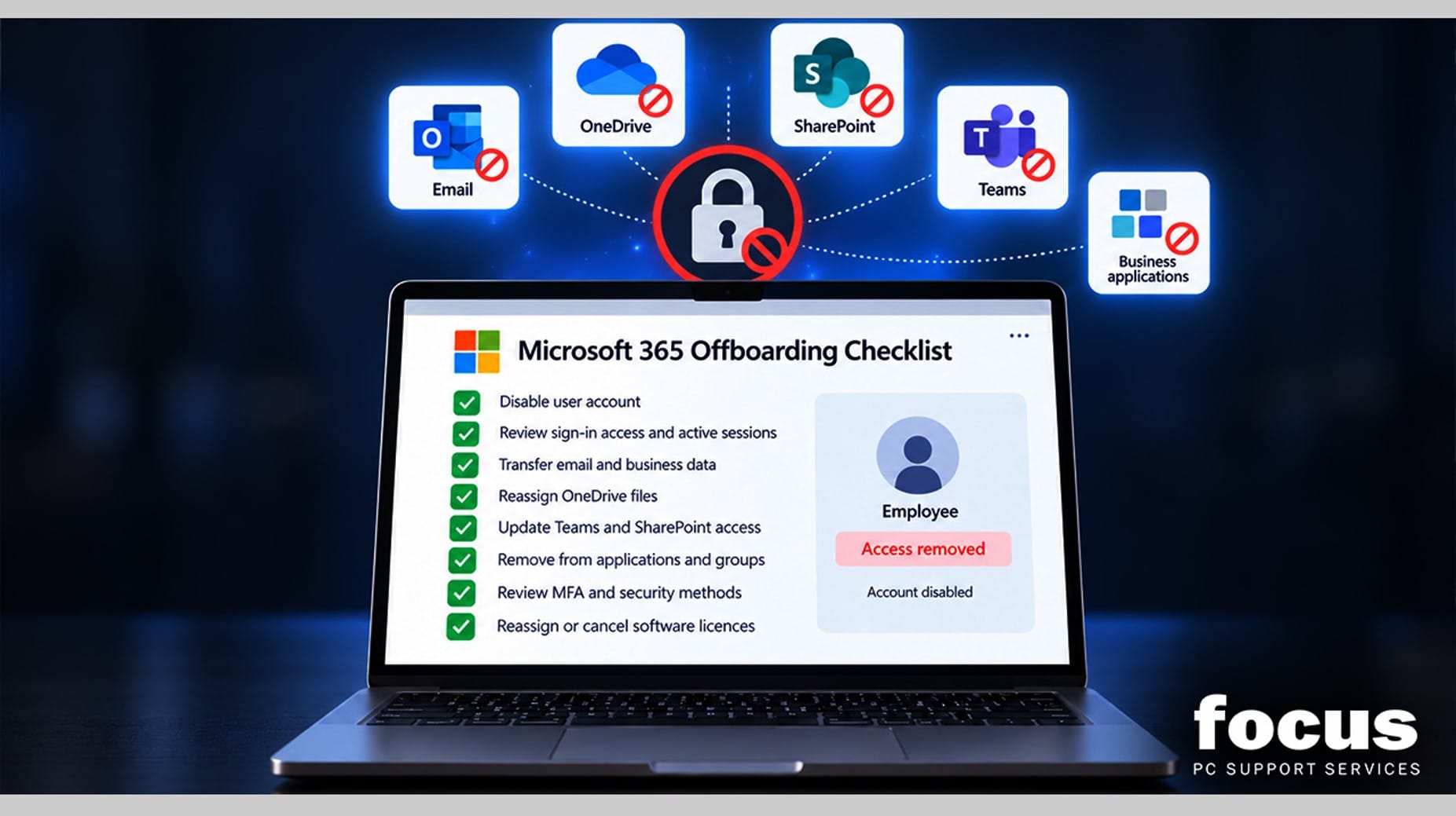
When an employee leaves a business, the focus is usually on handovers, exit interviews and returning company equipment. IT offboarding can easily become an afterthought, even though it plays an important role in protecting business data and maintaining security.
Without a clear IT offboarding process, former employees may retain access to Microsoft 365 accounts, shared files, business applications or company systems after they have left.
For many SMEs, this is not deliberate. It usually happens because HR and IT are not following the same structured process.
Why IT Offboarding Matters
Over time, employees build up access to a wide range of business systems, including email, shared files, Microsoft 365, cloud applications and sometimes customer or supplier platforms.
If that access is not reviewed and removed when the employee leaves, it can create unnecessary security and operational risks.
Common issues include:
- Former employees retaining access to company systems
- Business files remaining accessible from personal devices
- Inactive user accounts remaining open and unmonitored
- Important documents being left without a clear owner
- Businesses continuing to pay for unused software licences
None of these problems require malicious intent. A forgotten account or missed permission can be enough to create a security gap.
Microsoft 365 Offboarding: What Should Be Checked?
For many UK businesses, Microsoft 365 is central to day-to-day operations. A proper Microsoft 365 offboarding process should therefore cover several important areas.
User Accounts and Sign-In Access
The employee’s account should be secured at the appropriate time and active sessions reviewed.
In many cases, disabling an account before deleting it allows the business to retain access to important email and files during the handover period.
Email and Business Data
Decide who should take ownership of the departing employee’s mailbox, OneDrive files and other business-critical information.
Important data should be transferred to the appropriate manager, colleague or replacement employee before the account is removed.
Teams, SharePoint and Applications
Access to Microsoft Teams, SharePoint, cloud applications and other company systems should be reviewed and removed where necessary.
Any access from personal devices should also be considered as part of the process.
Passwords and Multi-Factor Authentication
Multi-factor authentication methods linked to the employee should be reviewed or removed.
Shared passwords or credentials known to the departing employee may also need to be changed.
Software Licences
Unused Microsoft 365 and third-party software licences should be reassigned or cancelled once they are no longer required.
This helps reduce unnecessary costs while keeping user access management under control.
Build a Consistent Offboarding Process
A reliable employee offboarding process does not need to be complicated. It needs to be consistent.
A practical process should include:
- A standard IT offboarding checklist
- Clear responsibility for each task
- A record of the systems and applications the employee could access
- A defined timetable for disabling accounts and transferring data
- A final review to confirm that access has been removed
This approach reduces the risk of important steps being missed during a busy employee departure.
It also makes onboarding and ongoing user access management easier because the business has a clearer understanding of who has access to each system.
Data Protection Is Also About Access
Business data protection is not only about where information is stored. It is also about who can access it.
Regular reviews of Microsoft 365 user accounts, permissions and device access can help identify old or unnecessary accounts before they become a security concern.
This is particularly important as a business grows and the number of employees, devices, cloud applications and permissions increases.
How Focus PC Can Help
Focus PC helps businesses manage Microsoft 365, user accounts, devices and wider IT environments.
We can help review existing user access, identify outdated or unnecessary accounts and create a structured onboarding and offboarding process that works for both management and IT.
The objective is simple: when an employee leaves, their access should leave with them, while the business retains control of its email, files and critical information.
Review Your IT Offboarding Process
If your business does not currently have a documented IT offboarding procedure, it is worth reviewing your existing process before the next employee leaves.
Focus PC can help identify gaps in your current Microsoft 365 and user access setup and put a clearer, more reliable process in place.