
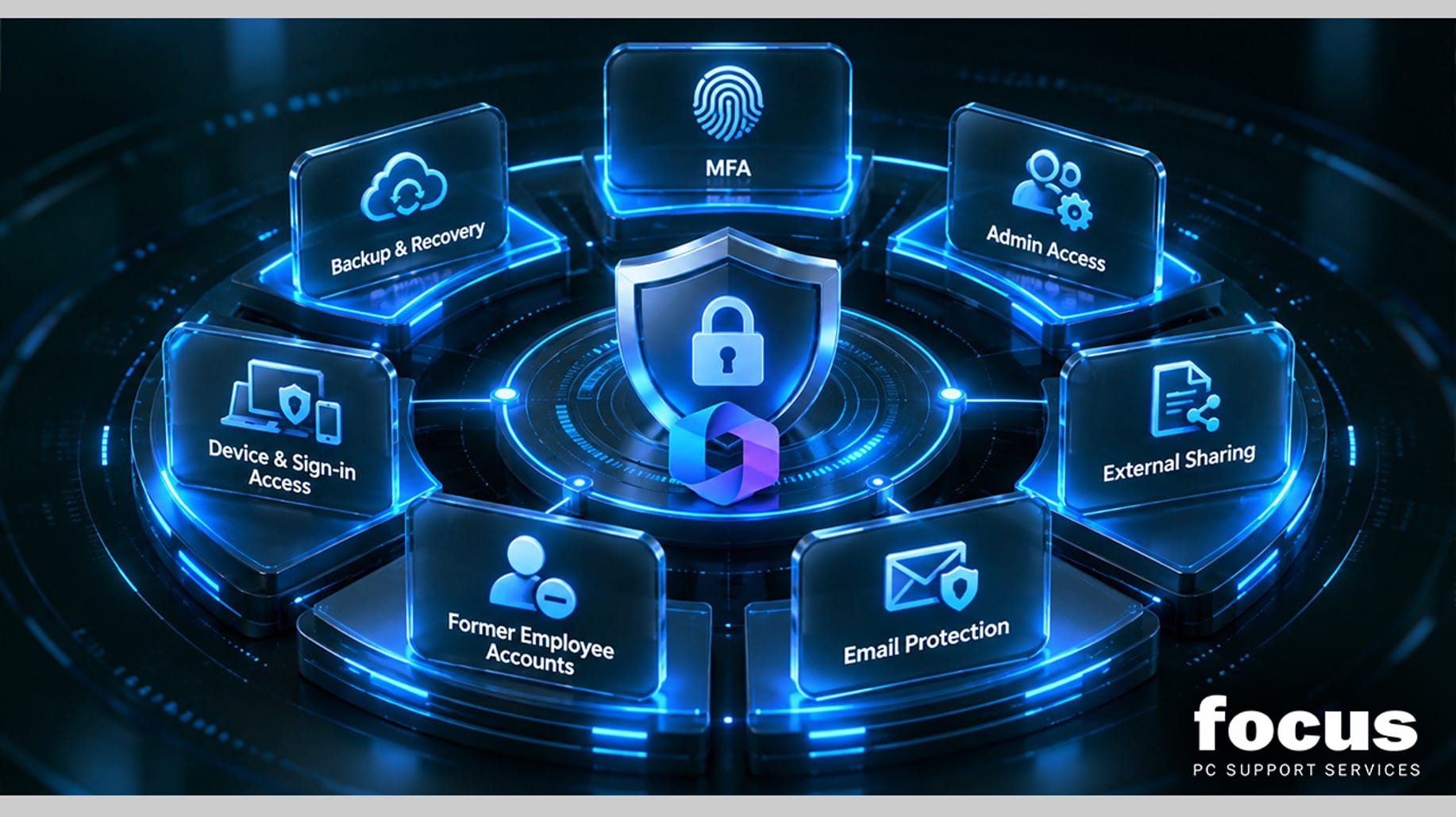
Microsoft 365 is central to modern business operations. It handles daily email, file storage, video meetings and team collaboration. However, simply holding a subscription does not guarantee your data is safe. Out-of-the-box settings are often too permissive for modern threats. To maintain robust business IT security, your Microsoft 365 security settings need to be configured correctly and reviewed on a regular basis. Here are seven essential areas every organisation should check to ensure their environment is properly protected.
1. Multi-Factor Authentication
Passwords alone are no longer sufficient to protect business accounts. If a password is guessed, reused or stolen in a data breach, a cybercriminal can gain immediate access. Enabling multi-factor authentication adds a crucial second verification step, such as a code sent to a mobile device or an authenticator app. This simple measure drastically reduces the risk of compromised credentials and forms the absolute foundation of strong Microsoft 365 security, making it much harder for unauthorised users to access your systems.
2. Administrator Access
Administrator accounts have full control over your entire cloud environment. If an admin account is compromised, the whole business is at risk. Admin privileges should be strictly limited to only those IT staff who absolutely need them for their daily tasks. Furthermore, effective user access management requires regular reviews. This ensures former staff or users who have changed departments no longer hold unnecessary administrative rights that could be exploited by attackers. We recommend using dedicated admin accounts for administrative tasks and standard accounts for daily email and browsing to minimise risk.
3. External File Sharing
Collaboration often requires sharing documents with clients, suppliers and partners. However, unrestricted sharing can easily lead to accidental data leaks. You need to carefully control OneDrive security and SharePoint security by defining exactly who can share files externally. Setting clear rules for external links, such as requiring passwords, limiting access to specific people or setting expiration dates, ensures your sensitive business documents remain protected while still allowing productive collaboration. It is also wise to regularly audit shared links to ensure old, unnecessary permissions are removed.
4. Email Protection
Email remains a primary target for cyber attacks of all sizes. Robust email security settings help filter out sophisticated phishing attempts, spam and malicious attachments before they ever reach your staff inbox. It is also highly beneficial to enable easy reporting tools within Outlook. When employees can quickly flag suspicious emails with a single click, your IT team can investigate and block threats before they cause any real harm to the business. Combining automated filtering with human reporting creates a highly effective defence against modern email threats.
5. Inactive and Former Employee Accounts
When staff leave the company, their accounts must be disabled immediately to prevent unauthorised access. However, simply deleting an account might result in the permanent loss of vital business data and historical communications. A proper offboarding process ensures old accounts are securely locked down while their emails, files and Teams chats are retained or transferred to the appropriate line managers, preserving valuable business continuity. This approach protects your intellectual property while ensuring strict access control.
6. Device and Sign-In Access
With remote and hybrid working now a standard practice, employees access company data from various locations and personal devices. You should regularly review sign-in locations and consider restricting access from unexpected countries or high-risk regions. Additionally, consider implementing clear policies for personal devices. Controlling how and where users sign in ensures that business data remains secure, regardless of where your team is physically working on any given day. Implementing conditional access policies can further refine these controls based on device compliance and user location.
7. Recovery and Backup Planning
Many businesses mistakenly assume that Microsoft 365 cloud storage is a complete backup solution. It is not. Microsoft protects its underlying infrastructure, but it does not fully protect your specific data from accidental deletion, malicious insiders or ransomware attacks. A dedicated Microsoft 365 backup strategy is absolutely essential. This ensures you can quickly recover lost files, emails and Teams messages if a disaster strikes, giving you complete peace of mind. Regular testing of your recovery process ensures your team knows exactly what to do in an emergency.
Reviewing Security as Your Business Grows
Security is never a one-time setup. As your business grows, your operational needs will naturally change. New employees join the team, devices are upgraded, user permissions shift and working practices evolve. Regular reviews ensure your Microsoft 365 security settings adapt to these ongoing changes. This keeps your organisation protected against new threats without hindering daily productivity or frustrating your staff with unnecessary restrictions.
How Focus PC Can Help
Navigating these complex settings can be time-consuming for internal teams, especially when balancing daily operations. Focus PC provides comprehensive Microsoft 365 support UK businesses can rely on. We help organisations review their Microsoft 365 configuration, manage user access, optimise security settings and implement reliable backup solutions. If you need ongoing IT support to keep your systems secure, compliant and efficient, our experienced team is ready to help you build a safer, more resilient digital workplace.