
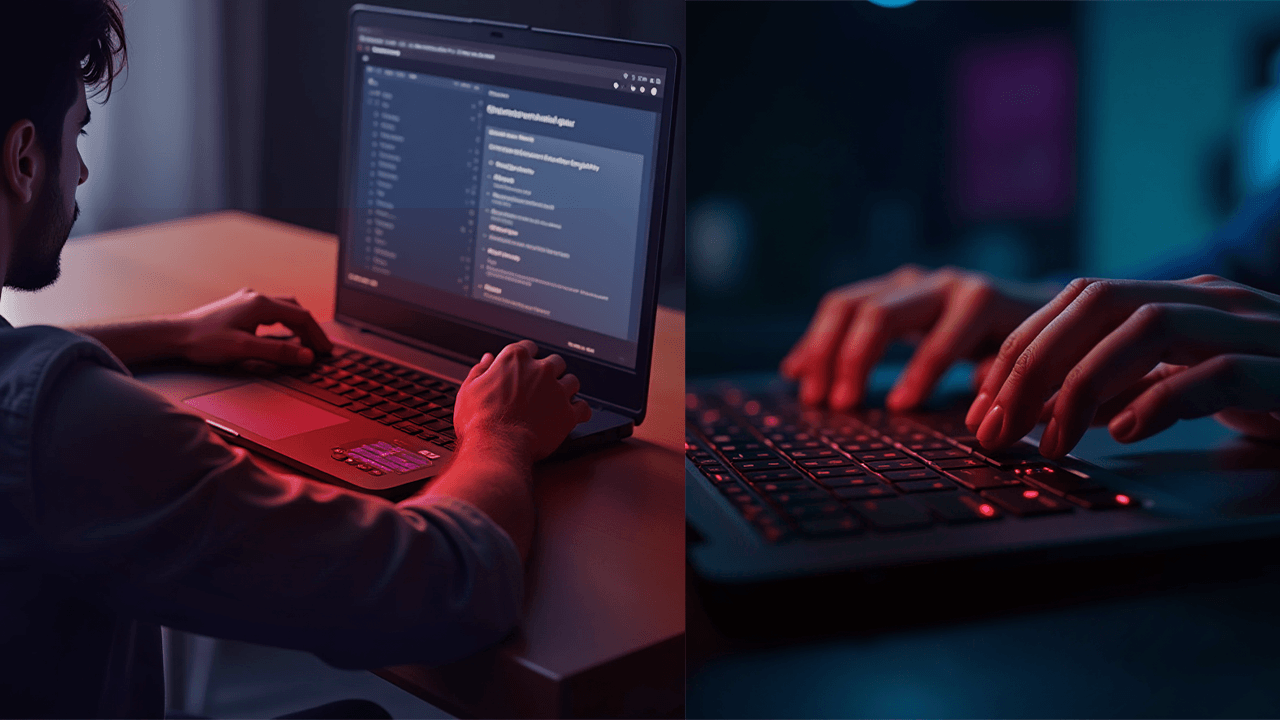
A laptop keyboard that stops working can quickly interrupt your work, studies, or everyday tasks. Whether only a few keys stop responding or the whole keyboard stops working, the problem can be as minor as a software issue or as serious as an internal hardware fault. In this guide, we look at the common reasons laptop keyboards stop working, the quick fixes you can try at home, and when it’s time to call a professional.
Most Common Causes of Laptop Keyboard Problems
Physical Damage or Liquid Spills
Spilling water, tea, coffee, or any other liquid on a laptop keyboard is one of the most common reasons it stops working. Liquid can slip under the keys and reach the internal parts of the keyboard, causing damage to the circuits inside. Even small spills can lead to problems if the liquid is not cleaned properly.
In some cases, the keyboard may continue to work for a short time after the spill and then stop working later. This happens because moisture can cause corrosion over time. You may notice random key presses, certain keys not responding, or the keyboard becoming completely unresponsive.
Loose Internal Keyboard Connection
Laptop keyboards are connected to the motherboard using a thin ribbon cable. If the laptop is dropped, hit, or previously opened for repair, this cable can become loose or disconnected. When this happens, the keyboard may stop working completely, work only sometimes, or fail after an impact. This is an internal issue that requires professional inspection and cannot be fixed from the outside.
Driver or Software Issues
Sometimes the issue is not related to hardware at all. Software problems such as damaged drivers, recent Windows updates, or system conflicts can prevent the keyboard from working properly. You may notice that the keyboard stopped working after an update, works in the BIOS but not in Windows, or responds inconsistently. In many cases, these issues can be fixed without replacing any hardware.
Keyboard Wear and Tear
Laptop keyboards are made to handle only a certain number of keystrokes. With regular or heavy daily use, the internal switches can wear out over time. This often causes commonly used keys to stop working first, keys to feel sticky, or input to be delayed or missed. In such cases, replacing the keyboard is usually the most reliable solution.
Quick Fixes You Can Try Safely
- Restart your laptop to clear temporary software glitches.
- Boot into Safe Mode to check for software or driver conflicts. If the keyboard works there, the issue is likely software-related.
- Update or reinstall the keyboard driver using Device Manager. Windows will reinstall the correct driver after a restart.
- Plug in an external USB keyboard. If it works normally, the internal keyboard likely has a hardware issue.
Why Professional Repair Is the Safer Choice
Opening a laptop without the right tools or experience can easily cause more harm than good. Internal parts are small and fragile, and even a small mistake can lead to broken connectors, damaged motherboard components, battery or screen issues, or voided warranties. Modern laptops often require partial disassembly for keyboard repairs, and attempting a DIY fix can quickly turn a minor problem into a costly repair.
You should seek professional laptop keyboard repair if the keyboard stopped working after a spill, no keys respond at all, or the keyboard works only sometimes. If an external keyboard works but the internal one does not, or if the laptop was dropped or physically damaged, expert diagnosis is the safest and most cost-effective solution.
Professional Laptop Keyboard Repair in London

Focus PC provides safe, fast, and affordable laptop keyboard repair services across London. We work with all major laptop brands, including Dell, HP, Lenovo, Apple, ASUS, Acer, and more. Our service includes accurate diagnosis, high-quality replacement parts, transparent pricing, and expert handling to ensure your laptop is repaired correctly the first time.
A non-responsive laptop keyboard does not always mean your device is beyond repair, but delaying the fix can make the problem worse. While simple software issues can sometimes be resolved easily, hardware faults usually require professional attention. If your laptop keyboard is not responding, avoid risky DIY repairs and let experienced technicians handle the issue so you can get back to work without hassle.