
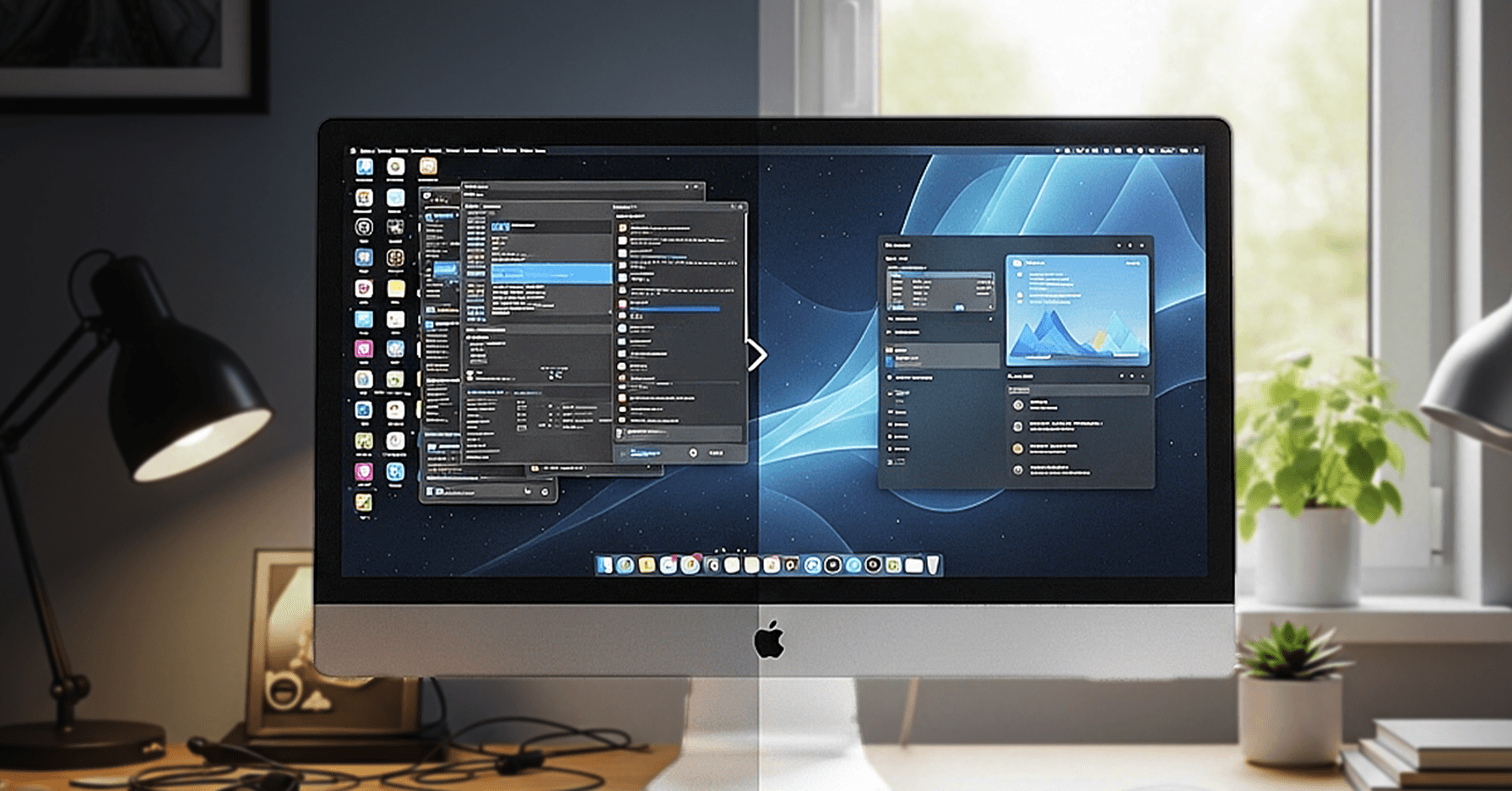
A slow computer does not always mean it is outdated or needs replacing. In many cases, performance drops gradually due to everyday usage, background processes, and lack of maintenance. The good news is that most systems can be noticeably improved with a few practical changes, often at a fraction of the cost of buying a new device.
Understanding what is slowing your system down is the first step toward fixing it properly.
What usually slows a PC down
One of the most common causes of poor performance is unnecessary startup programs. Many applications automatically add themselves to your startup list, meaning they launch every time your computer turns on. These programs continue running in the background, consuming memory and processing power even when you are not actively using them. Over time, this can significantly slow down boot times and overall responsiveness.
Storage type also plays a major role. Systems running on traditional hard drives tend to feel slower because of slower read and write speeds. Upgrading to a solid state drive can dramatically improve performance, reducing boot times, speeding up file access, and making applications open almost instantly. It is one of the most effective upgrades you can make.
RAM is another important factor, especially if you multitask or use demanding software. If your system struggles when multiple applications are open, it may simply not have enough memory. Adding more RAM allows your system to handle tasks more efficiently without slowing down or freezing.
Small fixes that make a big difference
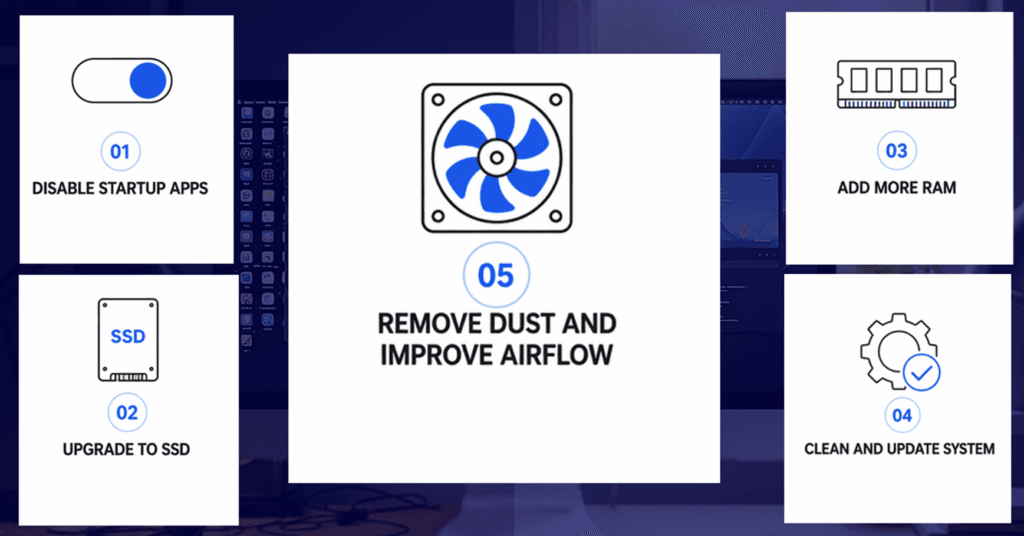
Regular maintenance is often overlooked but can have a strong impact on performance. Keeping your operating system and software up to date ensures you benefit from performance improvements, bug fixes, and security updates. Outdated systems can become slower and more vulnerable over time.
Running regular malware and virus scans is equally important. Hidden malware can quietly consume system resources, reduce speed, and even affect data security. Removing these threats can instantly improve system performance.
Disk cleanup is another simple but effective step. Temporary files, unused applications, and background data can build up over time and take up valuable space. Clearing these out helps your system run more efficiently.
Hardware condition also matters more than most people realise. Dust buildup inside your PC or laptop can block airflow, leading to overheating. When a system overheats, it automatically reduces performance to protect internal components. Cleaning internal fans and vents can help maintain proper airflow and keep performance stable.
Before you decide to replace it
Before investing in a new computer, it is important to understand what is actually causing the slowdown. Many users upgrade too quickly without identifying the real issue, which can lead to unnecessary spending.
A proper system diagnostic can highlight specific bottlenecks, whether it is storage, memory, overheating, or software related issues. This allows you to make targeted improvements rather than replacing the entire system.
At Focus PC, the approach is to optimise what you already have before recommending any major upgrades. In many cases, a combination of small changes such as upgrading to an SSD, increasing RAM, and cleaning up the system can restore performance to a level that feels like a completely new machine.
Before you decide to replace your PC, it is worth exploring how much performance can be recovered. With the right adjustments, you can extend your system’s lifespan, improve efficiency, and save a significant amount of money.