
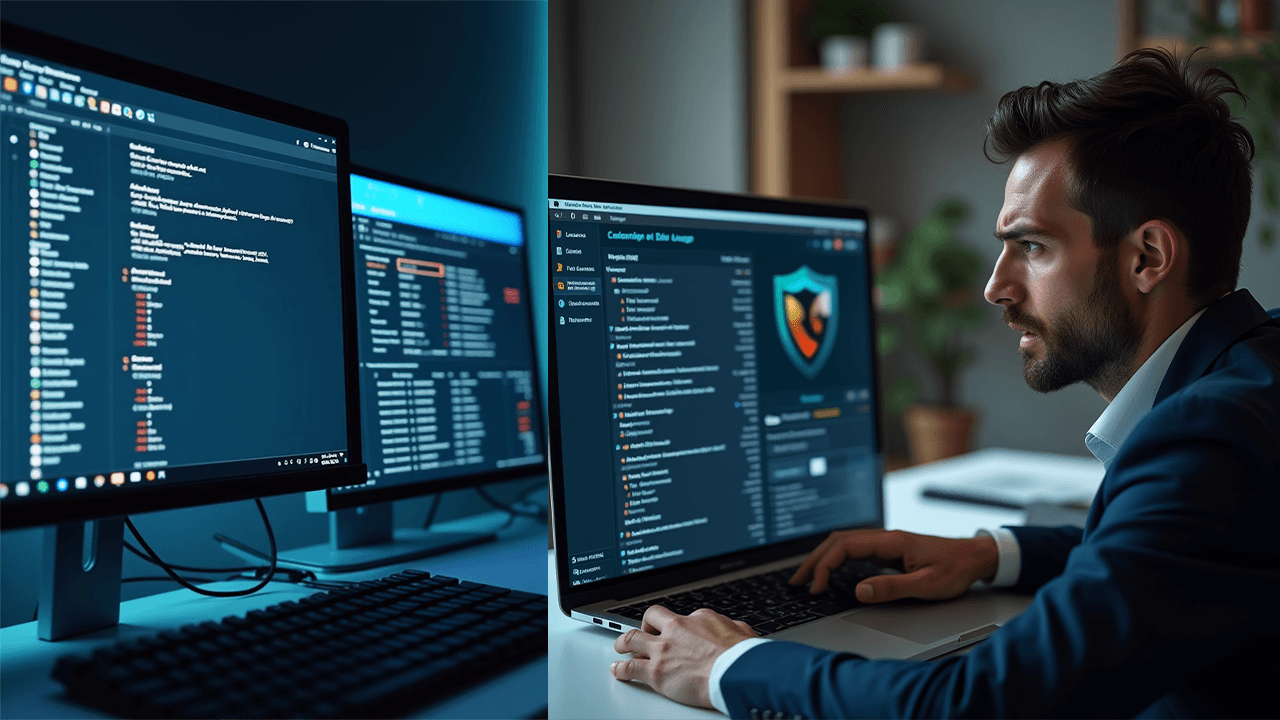
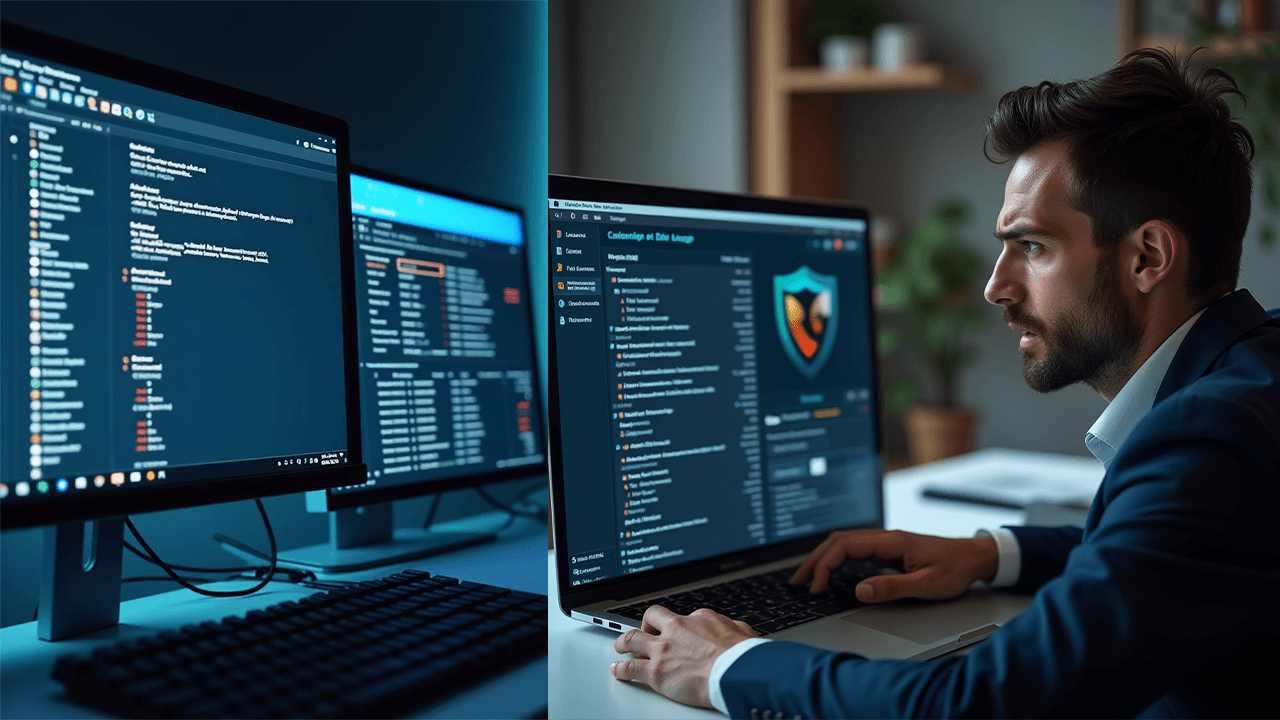
A slow computer can be very frustrating. Everyday tasks take longer, apps lag or freeze, and even internet browsing feels slow. Many people think their PC is just old, but in many cases the real problem is something hidden and easy to fix.
In this guide, we explain five often overlooked reasons why your computer runs slow, including one many people don’t expect: their antivirus software. We also share practical fixes and explain when it’s best to get professional help.
1. Unnecessary Startup Apps
Many applications are set to start automatically when you turn on your computer. While a few may be helpful, too many startup programs can slow your system before you even begin working. These apps run in the background, using memory and processing power, which leads to slow boot times, lag right after startup, and reduced overall performance. Turning off unnecessary startup programs can make a noticeable improvement in speed.
2. Hard Drive Wear and Performance Issues
Traditional hard disk drives (HDDs) slow down over time, especially when they are nearly full or beginning to fail. This can lead to long loading times, slow file access, and occasional system freezes or crashes. If your computer is still using an HDD, upgrading to a solid-state drive (SSD) is one of the most effective ways to boost performance, as SSDs are much faster and more reliable.
3. Low RAM Causing Slow Performance
Modern software, web browsers, and operating systems need more memory than ever. If your computer does not have enough RAM, it will struggle to keep up with everyday tasks. You may notice browser tabs crashing, programs taking longer to open, or the system slowing down when multitasking. In many cases, upgrading the RAM is a simple and cost-effective way to restore smooth performance.
4. Malware or Hidden Background Processes Malware and unwanted background processes can quietly use up your computer’s resources. Even if there are no clear signs of infection, hidden software may still be running in the background. This can cause high CPU or disk usage, random slowdowns, overheating, and loud fan noise. A proper malware scan is important to detect and remove hidden threats that basic scans may miss.
5. Antivirus Software Overload Antivirus software is important, but some programs can slow your computer down instead of protecting it. Heavy antivirus tools may run constant background scans, use too much CPU and memory, or conflict with other security software. In some cases, the antivirus itself becomes the main reason your computer feels slow. Switching to a lighter, well-optimized antivirus can greatly improve performance without reducing security.
How to Fix a Slow Computer
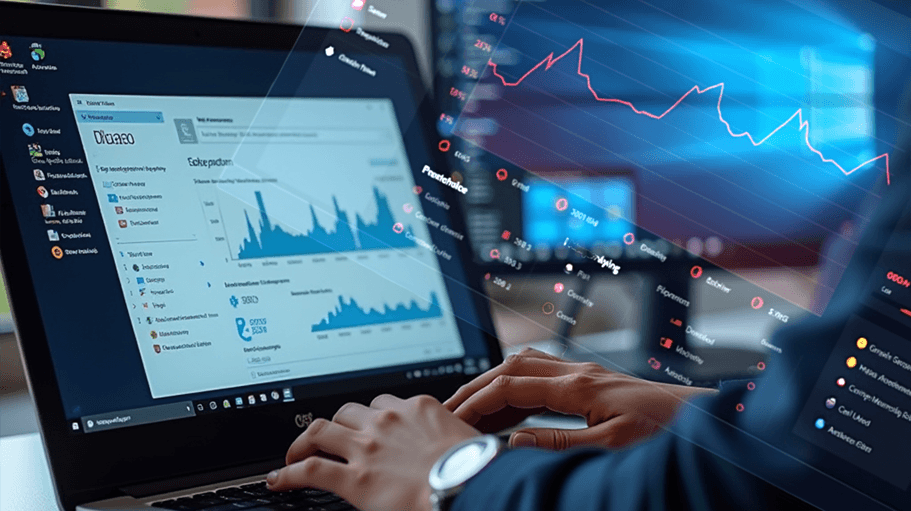
Here are some practical steps you can take to improve performance:
- Use Task Manager to identify programs using excessive CPU, memory, or disk resources
- Disable unnecessary startup applications
- Replace heavy antivirus software with a more efficient option
- Defragment an HDD or upgrade to an SSD
- Get a professional malware and system health scan
While some fixes are simple, others require proper diagnosis to avoid wasting time or money.
Professional Computer Diagnosis in London
If your computer is still running slow and you’re not sure why, guessing can lead to the wrong solution. Focus PC provides full system diagnostics to accurately identify performance issues and fix them properly the first time. We serve customers across London and offer honest advice, reliable repairs, and practical upgrades to help your PC run smoothly again.
A slow computer does not always need replacing. In many cases, the issue is caused by hidden software problems, outdated hardware, or an overloaded antivirus program. Finding and fixing the real cause can restore performance and extend the life of your computer.