
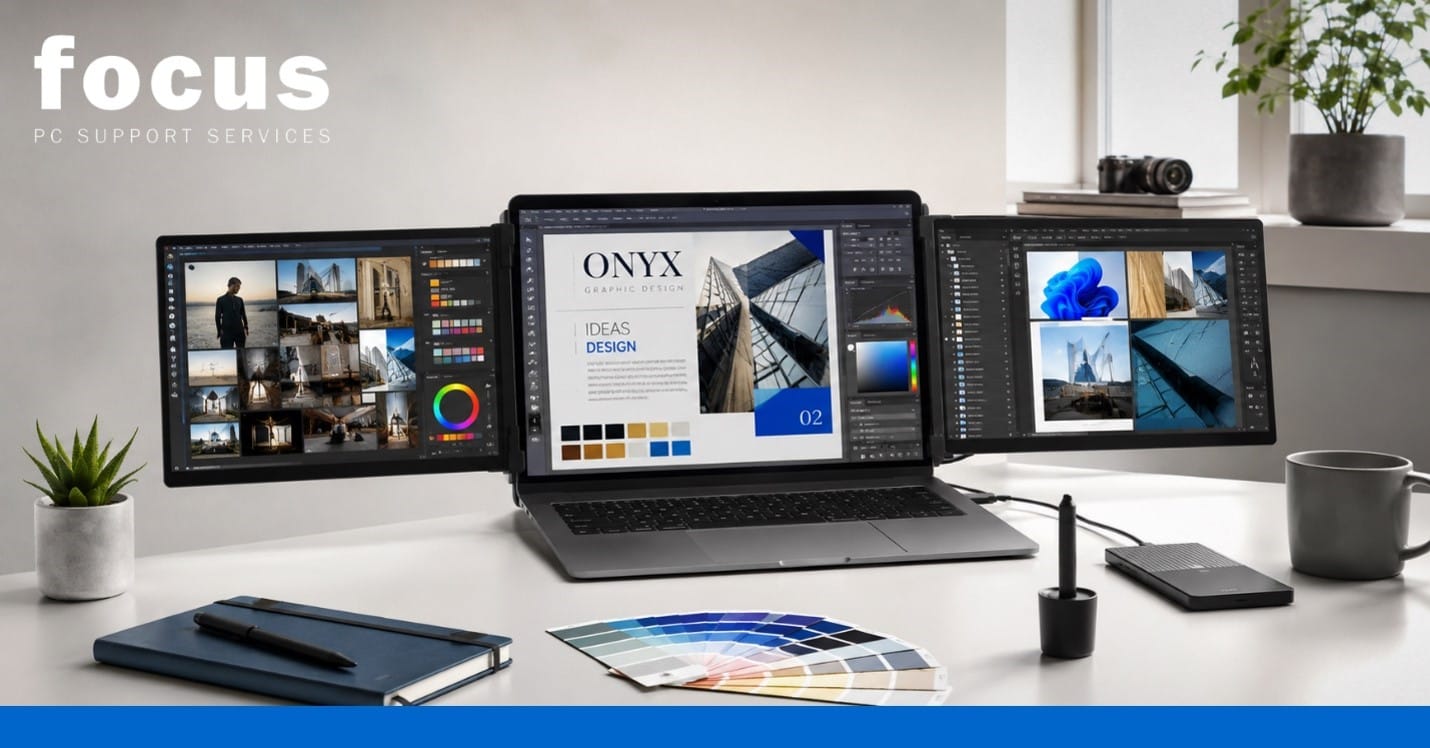
Choosing a new machine can feel overwhelming. You want the best laptop for graphic design, but the market is flooded with gaming rigs and ultra-thin ultrabooks, all making bold performance claims. The truth is, the ideal machine depends entirely on your specific creative workload. Expensive, top-tier specifications are not always necessary, and overspending on features you will never use is a common trap. This guide breaks down the practical specifications that genuinely affect creative performance, helping you make a smart, cost-effective investment.
Start with Your Design Work
Before looking at technical specifications, evaluate your daily tasks. The graphic design laptop requirements vary wildly depending on what you create.
If you design social media graphics, logos, or branding materials, your hardware needs are relatively light. However, if you are editing high-resolution photos, creating complex vector artwork, or preparing large-format print files, you will need significantly more processing power and memory. UI and web design require smooth multitasking across multiple browser tabs and design files. Meanwhile, video editing, motion graphics, and 3D rendering demand heavy computational resources.
Identify the applications you use daily, your typical project sizes, and whether you prioritise portability, battery life, or external monitor support. A laptop for Adobe Creative Cloud used primarily for InDesign layouts has very different needs than one used for 4K video editing.
Processor: Focus on Modern Performance
The processor (CPU) dictates how quickly applications load, how smoothly filters apply, and how fast files export. Modern Intel Core, AMD Ryzen, and Apple silicon processors all offer excellent performance, but they excel in different areas.
Strong single-core performance is crucial for a laptop for Photoshop and Illustrator, as these applications rely heavily on single-threaded tasks. Conversely, additional processor cores significantly benefit video editing, 3D rendering, and complex batch exports.
Remember that a recent mid-range processor will often outperform an older high-end chip. Do not judge a CPU by its model name or clock speed in isolation. Instead, check real-world creative application tests rather than relying solely on marketing benchmarks.RAM: Why 16GB Is the Practical Starting Point
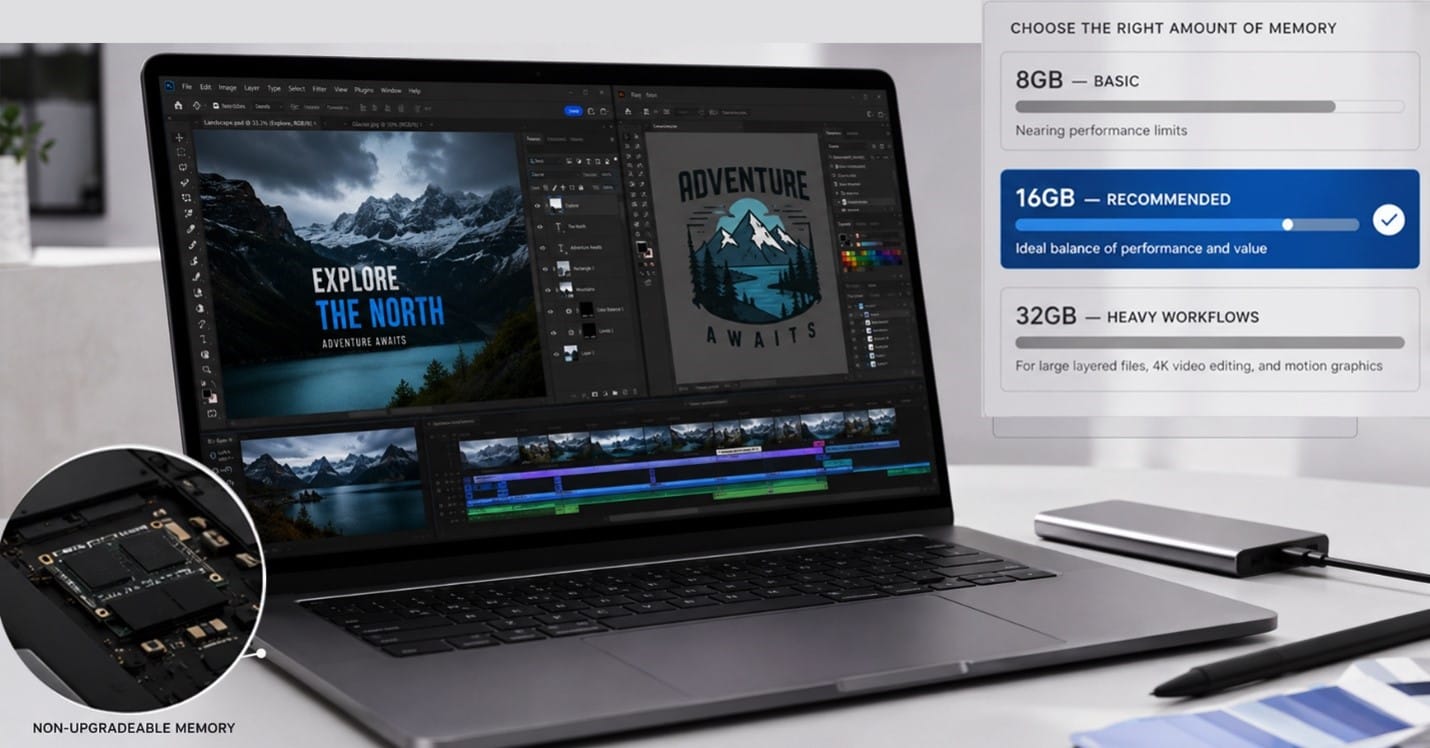
When considering RAM for graphic design, 8GB might run basic applications, but it quickly becomes restrictive when multitasking or handling large files.
For most professional graphic design work, 16GB is the practical starting point. It allows you to keep multiple applications open smoothly without the system slowing down. If you work with massive layered Photoshop files, use After Effects or Premiere Pro, edit 4K video, or do heavy multitasking, 32GB is highly recommended. You only need more than 32GB for highly specialised, demanding workflows.
Be aware that many modern ultra-thin laptops have soldered, non-upgradeable memory. If this is the case, you must select enough RAM at the time of purchase to future-proof your machine.
Graphics: Integrated or Dedicated GPU?
The debate over integrated vs dedicated graphics is common, but for many designers, modern integrated graphics are perfectly capable. Applications like Photoshop, Illustrator, and InDesign perform exceptionally well without a separate graphics card.
A dedicated GPU becomes valuable when your work involves 3D modelling, heavy rendering, complex motion graphics, video effects, or GPU-accelerated filters. It is also essential if you plan to drive multiple high-resolution external displays simultaneously.
If your daily work consists mainly of logos, layouts, branding, and standard image editing, a powerful gaming GPU is unnecessary and will only drain your battery faster and add extra weight to your bag.
The Display May Matter More Than the GPU
For colour-sensitive work, laptop colour accuracy is arguably the most critical hardware feature. A stunning processor is useless if the screen displays the wrong colours.
Look for IPS or OLED panels, which offer excellent viewing angles and consistent brightness. Pay close attention to colour-gamut coverage (such as 100% sRGB or DCI-P3) and resolution. Full HD (1080p) is generally sufficient on smaller 13- or 14-inch screens, but higher resolutions provide more working space and sharper detail on larger displays.
For graphic design, colour accuracy is far more important than extremely high refresh rates. While professional calibration can improve a good display, it cannot completely correct a poor-quality panel with a limited colour gamut.
Storage: SSD Capacity and Performance
Fast SSD storage for designers is non-negotiable. A solid-state drive drastically improves application loading times, file transfers, exports, and scratch-disk performance compared to older mechanical drives.
A 512GB SSD is a sensible minimum for many designers. However, if you are a professional storing large project files, high-res images, video footage, and extensive creative asset libraries, 1TB is highly recommended.
Use external drives and cloud storage for backups and archives, but keep your active projects on fast internal storage. Always check if the laptop’s storage can be upgraded later, as some ultra-thin models have soldered drives that cannot be expanded.
Cooling and Sustained Performance
Thin and light laptops often perform brilliantly for short tasks but can slow down significantly during long exports, renders, or heavy workloads due to heat. This is known as thermal throttling, and it happens when the chassis cannot dissipate heat fast enough.
When researching machines, look for independent reviews that test sustained creative performance, fan noise, and thermal management. A laptop that maintains its speed during a 30-minute render is far more valuable than one that peaks briefly but slows down when it gets hot. Pay attention to the physical thickness of the laptop, as slightly thicker chassis designs usually accommodate better cooling solutions.
Ports, Connectivity and Accessories
A seamless workflow requires the right connections. Useful ports for creatives include USB-C, Thunderbolt (for high-speed data and display output), HDMI, and built-in SD card readers.
Consider how you will connect external SSDs, drawing tablets, colour-accurate monitors, and docking stations. If you choose a laptop with limited ports, you will need to rely on adapters or a dock. While a docking station can simplify your desk setup by connecting everything with a single cable, it increases the overall cost and reduces portability convenience.
Upgradeability, Repairability and Long-Term Value
A graphic design computer is a long-term investment. Check whether the RAM, storage, and battery can be replaced or upgraded by a technician. Business-class laptops often offer better repairability and spare-part availability than consumer models.
Consider the warranty coverage, potential repair costs, and the likelihood that the original configuration will remain suitable for several years. A machine that allows you to upgrade the storage or replace the battery in three years will offer much better long-term value than a cheaper, sealed unit that must be replaced entirely when a single component fails.
Building the Best Laptop for Graphic Design Specification
To summarise, here is a clear example of a balanced specification for most creative professionals:
- A recent mid-range or high-performance processor
- At least 16GB of RAM (32GB for heavy video and motion work)
- A high-quality, colour-accurate display (IPS or OLED)
- A 512GB or 1TB SSD
- Capable integrated graphics or an appropriate dedicated GPU
- Effective cooling for sustained performance
- Suitable ports (including USB-C/Thunderbolt and an SD reader)
Spend your budget according to your actual workload rather than simply choosing the highest specification in every category.
Conclusion
Finding the best laptop for graphic design is about matching the hardware to your specific creative needs. By focusing on a capable processor, adequate RAM, a colour-accurate display, and fast storage, you can build a highly effective machine without overspending on unnecessary gaming features.
If you need expert guidance, Focus PC is here to help. We can help you compare laptop specifications, choose suitable creative hardware, and upgrade compatible RAM and storage. Our technicians can diagnose slow performance, resolve overheating problems, configure Adobe applications, and set up external displays for your ultimate creative workstation. Contact Focus PC today to ensure you invest in the right tools and avoid paying for specifications you do not need.