
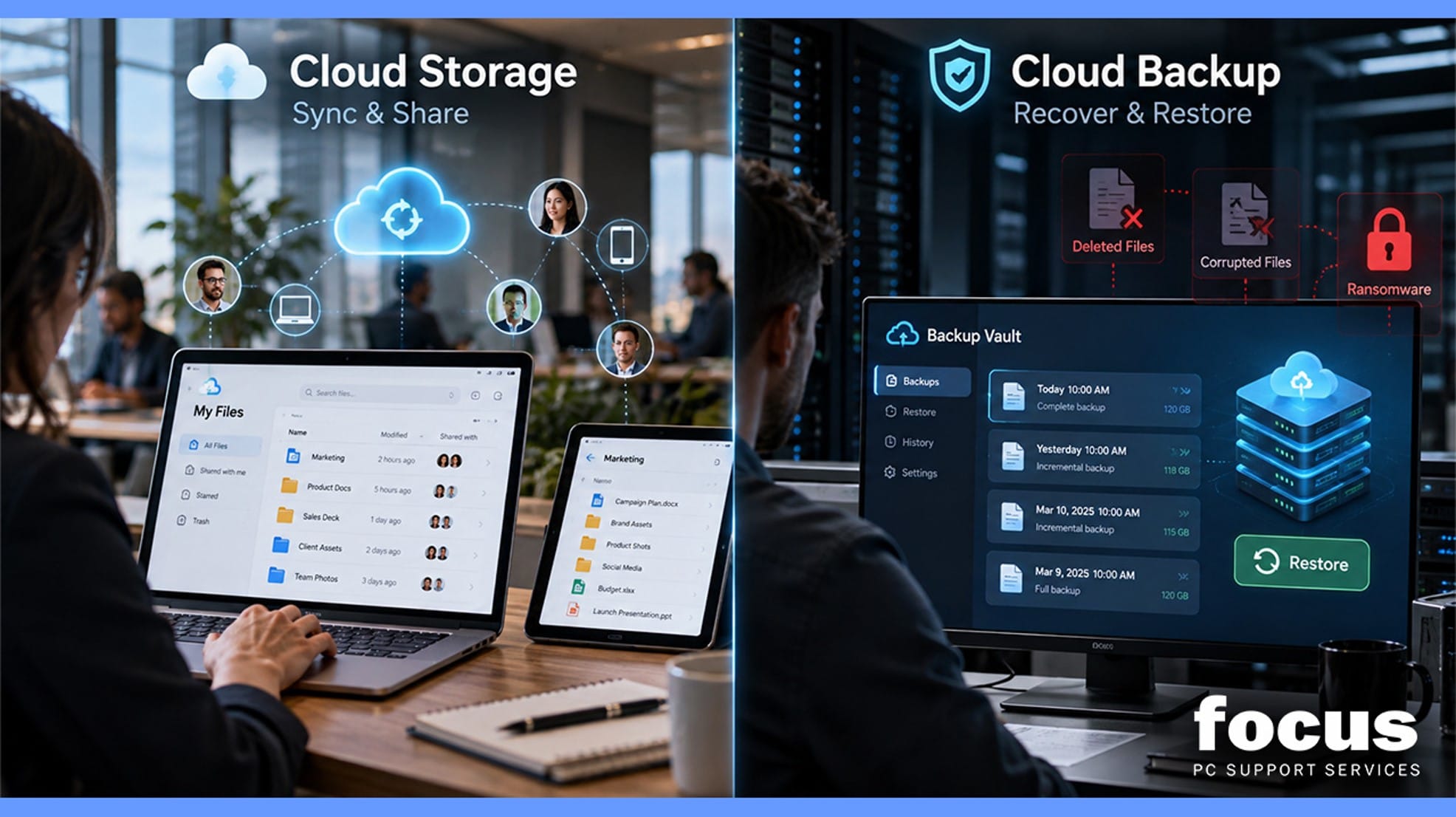
It’s in the Cloud Does Not Mean It’s Backed Up
Many businesses assume that because their files are stored in OneDrive, SharePoint, or another cloud platform, their data is fully protected.
Cloud storage and cloud backup, however, serve different purposes.
Cloud storage is designed for accessibility, file sharing, and collaboration. It keeps documents synchronised across devices and allows teams to work from anywhere.
Cloud backup creates separate, recoverable copies of your data so it can be restored after accidental deletion, corruption, ransomware, or another serious incident.
Cloud storage provides convenience. Cloud backup provides recovery.
Why the Difference Matters
Consider a few common situations:
- An employee accidentally deletes an important folder.
- A compromised account removes or alters company files.
- Ransomware encrypts business data.
- Important documents become corrupted or overwritten.
Cloud storage systems often synchronise changes across devices and users. This means unwanted changes can also be synchronised.
A proper backup strategy gives your business an independent copy of important data that can be restored when needed.
What Should a Business Backup Strategy Cover?
An effective backup plan should consider:
- What data and systems need protecting
- How frequently backups are created
- How long backups are retained
- How quickly data can be restored
- Whether Microsoft 365 data, including email, OneDrive and SharePoint, is properly protected
Backup planning should reflect how your business actually operates rather than relying on a standard solution.
A small business may mainly need Microsoft 365 backup and protection for client files, while a larger organisation may also need server, device, application, and wider disaster recovery protection.
The Question Every Business Should Ask
Instead of asking:
Is our data in the cloud?
Ask:
If our data disappeared tomorrow, how quickly could we recover it and continue working?
If the answer is unclear, your business may have a gap in its backup and recovery strategy.
Protect Your Business Data with Focus PC
Focus PC helps businesses review their existing cloud environment, identify weaknesses in their backup arrangements, and implement reliable cloud backup and disaster recovery solutions.
Whether your business relies on Microsoft 365, cloud storage, local devices, or a combination of systems, the right backup strategy can reduce downtime and help protect critical business data when something goes wrong.