
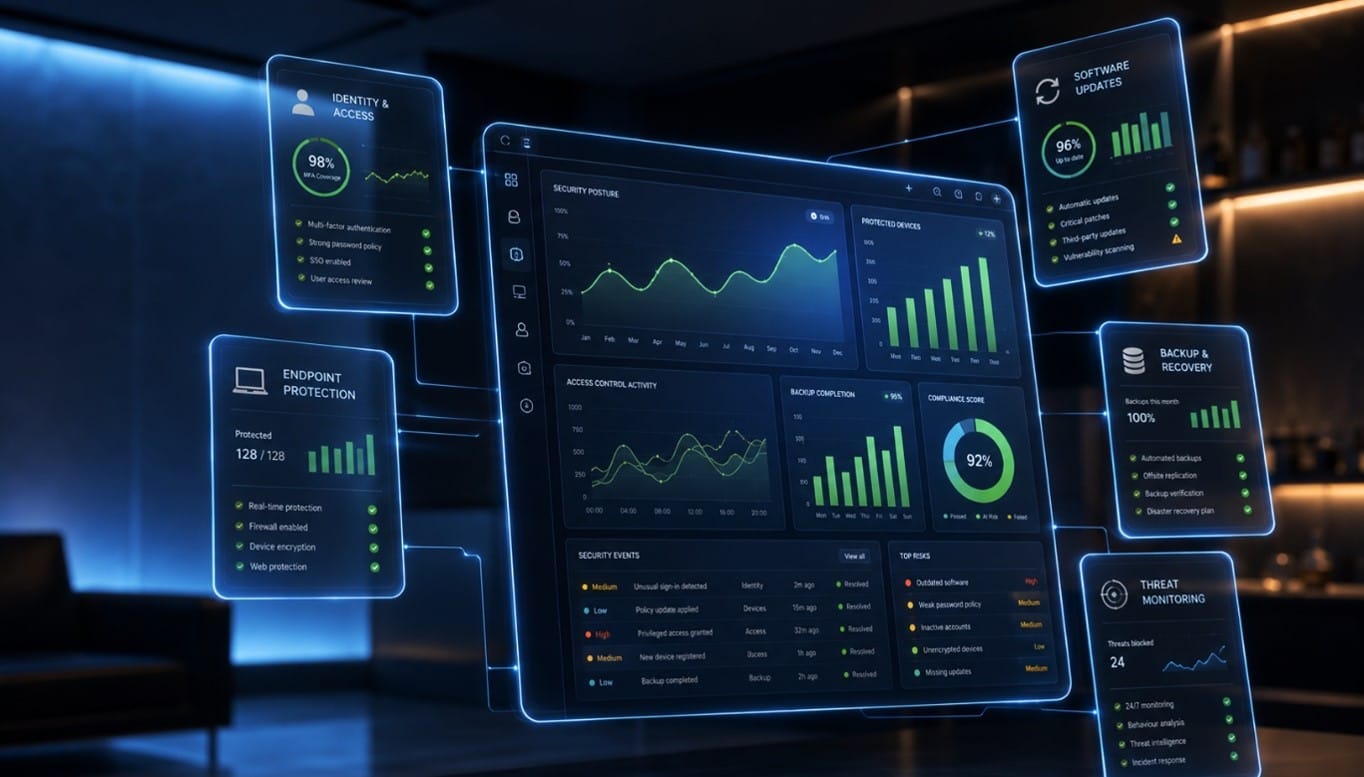
Many business owners assume their IT is secure because antivirus software is installed, files are stored in the cloud and employees use passwords to access their accounts.
However, effective cybersecurity involves much more than individual security tools. It requires consistent control over who can access business data, how devices are protected, whether backups can be recovered and how employees respond to potential threats.
Cybersecurity is therefore not only an IT responsibility. It is an important part of managing operational risk, protecting client information and maintaining business continuity.
Use the following checklist to identify common gaps in your organisation’s IT security.
1. Access and Identity Management
Compromised accounts are a common route into business systems. Multi-factor authentication should be enabled wherever it is available, particularly for email, cloud applications, financial systems and administrator accounts.
Permissions should also follow the principle of least privilege. Employees should only have access to the information and systems required for their roles. Administrator access should be limited, monitored and separated from ordinary day-to-day user accounts where appropriate.
Businesses should check:
- Is multi-factor authentication enabled on important accounts?
- Are administrator privileges restricted?
- Are user permissions reviewed when employees change roles?
- Is access for former employees removed promptly?
- Are shared accounts avoided or properly controlled?
- Is access for contractors and external users regularly reviewed?
A documented onboarding and offboarding process helps prevent accounts, devices and files from being overlooked when someone joins, changes position or leaves the organisation.2. Updates, Devices and Endpoint Protection
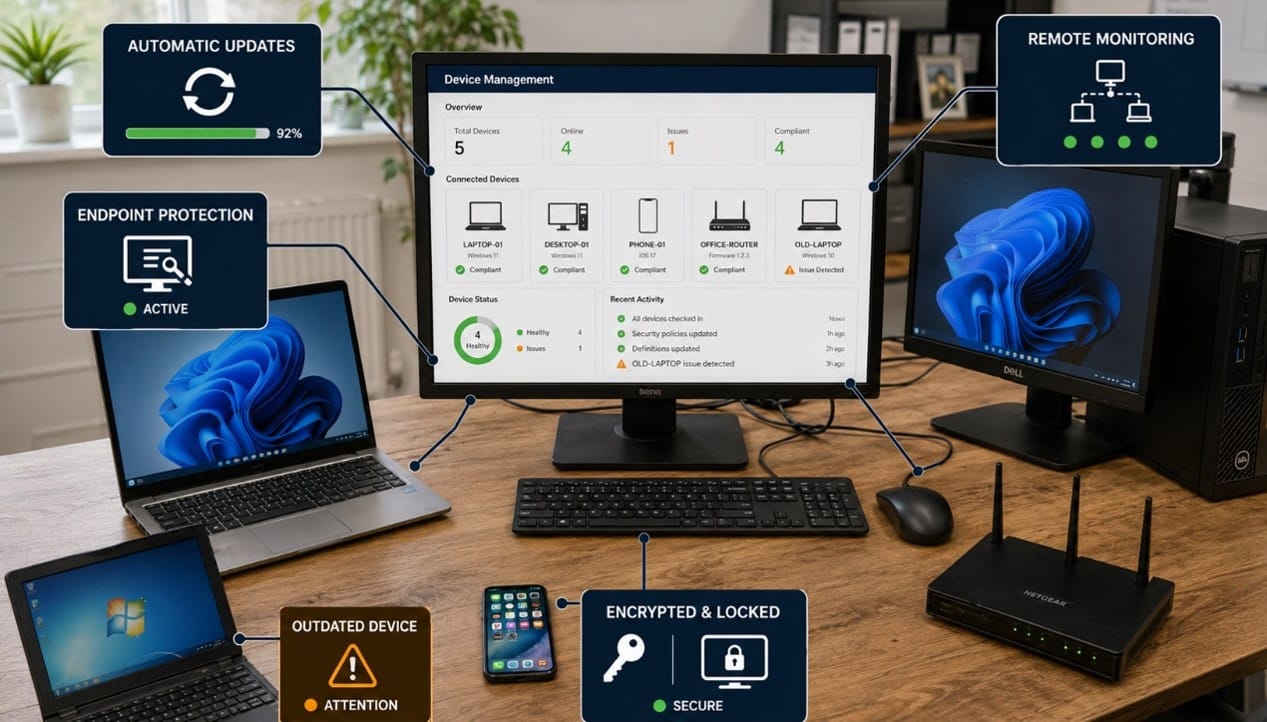
Unpatched operating systems, applications and network devices may contain known vulnerabilities that attackers can exploit. Updates should therefore be applied consistently across company equipment rather than left entirely to individual employees.
Every laptop, desktop and supported mobile device accessing business data should also have appropriate security controls. Depending on the organisation, these may include endpoint protection, device encryption, screen-lock policies, web filtering and central device management.
This is particularly important for hybrid and remote teams because company information may be accessed from home networks, shared workspaces or while travelling.
Businesses should confirm that:
- Operating systems and applications receive security updates
- Unsupported software and devices are identified and replaced
- Endpoint protection is active and centrally monitored
- Company devices use encryption and secure screen locks
- Lost or stolen devices can be locked or wiped where appropriate
- Remote access is provided through approved, secure methods
A Managed IT Support service can help monitor these controls continuously and address problems before they develop into wider security incidents.
3. Backups and Recovery Planning
Security is not only about preventing an incident. The organisation must also be able to recover if files are deleted, systems fail or ransomware disrupts access to data.
Backups should be appropriate to the importance of the information being protected. Critical data may require multiple protected copies, separation from the main network and controls that prevent compromised administrator accounts from deleting backup data.
Most importantly, businesses should test whether important information can actually be restored. A successful backup notification does not guarantee that recovery will be quick, complete or suitable for operational requirements.
Review whether:
- Critical business data is included in the backup plan
- Backups are encrypted and protected from unauthorised access
- At least one protected copy is isolated from the live environment
- Cloud services such as Microsoft 365 are covered appropriately
- Restoration procedures are tested at suitable intervals
- Recovery responsibilities and priorities are documented
- Management understands how long key systems may be unavailable
For care providers, reliable access to accurate digital records can directly affect day-to-day service delivery. An effective approach to IT compliance for care homes should therefore consider data protection, secure record management, system availability and recovery planning together.
4. Policies, Staff Training and Data Handling
Even well-configured technology can be undermined if employees do not know how to recognise suspicious activity or handle sensitive information securely.
Every SME should have clear policies covering acceptable technology use, password and account security, remote working, personal devices, data sharing and incident reporting. These policies should reflect how the organisation genuinely works rather than existing only as documents that employees rarely read.
Regular security awareness training can help employees recognise:
- Phishing emails and fake login pages
- Suspicious payment or account-change requests
- Unsafe links and attachments
- Inappropriate sharing of sensitive information
- Social-engineering attempts
- Signs that an account or device may have been compromised
This is especially relevant when providing cybersecurity for dental practices, where employees regularly handle patient information, appointment records and financial details. Clear procedures and appropriate technical safeguards help reduce the risk of sensitive information being accessed, shared or lost incorrectly.
5. Monitoring and Incident Response
A business may have security tools in place but still lack a clear view of whether they are working.
Important systems should generate appropriate logs and alerts for activity such as repeated failed logins, unusual access attempts, malware detections and changes to administrator accounts. These alerts must also be reviewed by someone with the responsibility and knowledge to act on them.
The organisation should have a straightforward incident-response plan explaining:
- Who employees should contact if they identify a problem
- Who has authority to isolate an account or device
- How affected systems and data will be assessed
- When management and external specialists should be involved
- How evidence and decisions will be documented
- How legal, contractual and reporting obligations will be evaluated
Employees should be encouraged to report mistakes and suspicious activity quickly. Early reporting can significantly limit the impact of an attack.
Practical SME Security and Compliance Checklist
Use this summary to review your current position:
- Multi-factor authentication: Enabled on email, cloud services, financial systems and administrator accounts
- Access control: Permissions are based on job requirements and reviewed regularly
- Leaver process: Accounts, devices and physical access are removed promptly
- Software updates: Security patches are deployed and monitored consistently
- Endpoint protection: Company devices are protected, encrypted and centrally managed where appropriate
- Backups: Critical data is backed up securely and protected from the live environment
- Recovery testing: Important files and systems can be restored within acceptable timescales
- Policies: Data handling, remote working and acceptable-use rules are documented
- Training: Employees receive regular and relevant cybersecurity awareness training
- Monitoring: Security alerts and important account activity are reviewed
- Incident response: Responsibilities and escalation procedures are clearly documented
Completing the checklist does not automatically make an organisation compliant with every legal, regulatory or contractual requirement. The controls required will depend on the data it holds, the services it provides and the risks it faces. However, the checklist provides a practical starting point for identifying weaknesses and prioritising improvements.
Turn the Checklist Into a Practical Security Plan
Cybersecurity should not depend on isolated tools or one-off improvements. It needs ongoing management, clear responsibilities and controls that are appropriate to the organisation.
Focus PC helps SMEs review their IT environments, identify security gaps and implement practical improvements. Through strategic IT Consultancy and proactive Managed IT Support, businesses can strengthen access controls, protect devices, improve backup arrangements and prepare for potential incidents.
If an existing technical or security issue requires immediate attention, the Focus PC Remote Support team can also provide direct assistance.
Not sure whether your current IT security is sufficient? Contact Focus PC to arrange a security review and discuss the risks, compliance responsibilities and improvements most relevant to your business.