
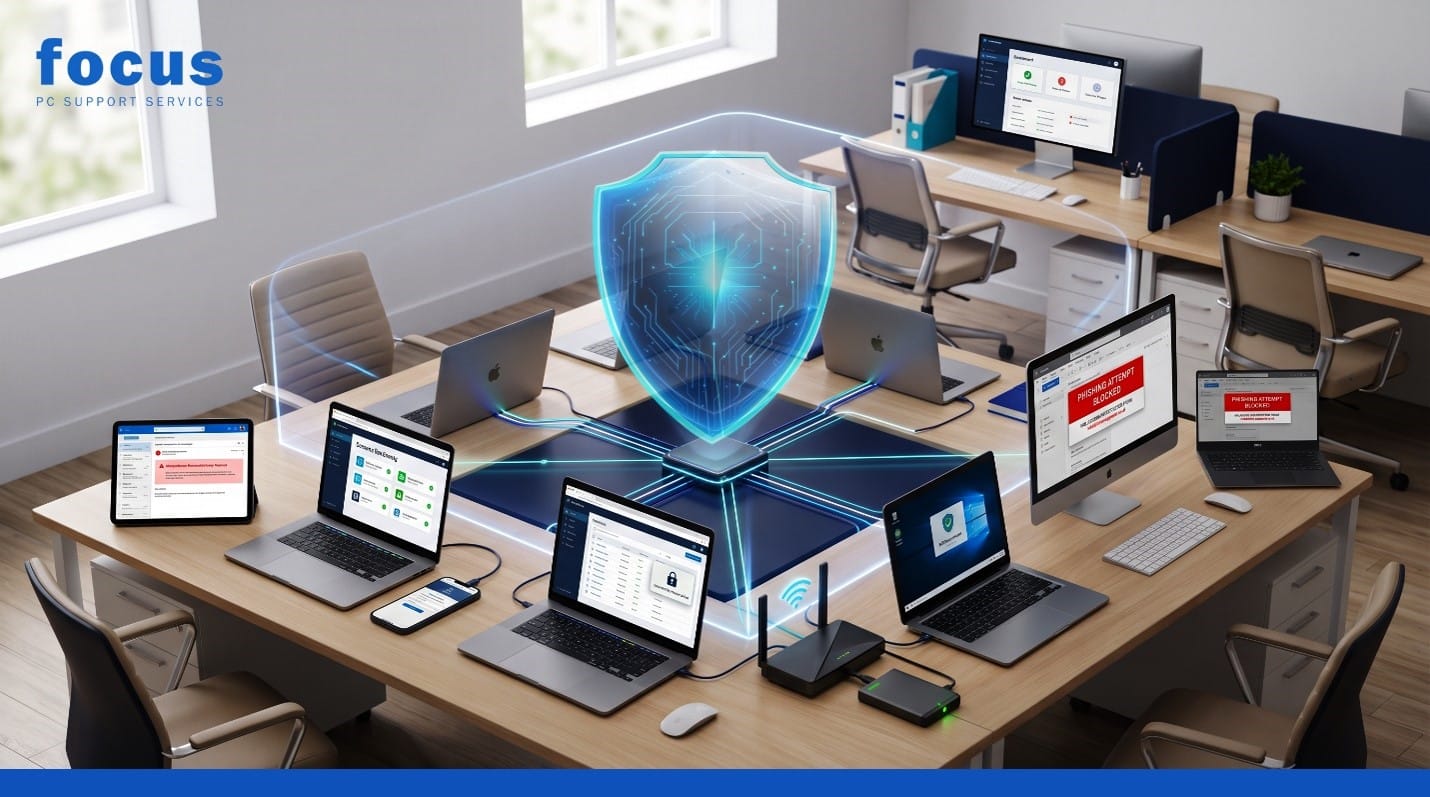
Running a UK business means juggling countless priorities, from sales and customer service to payroll and compliance. Amidst the daily hustle, business IT security can sometimes feel like an afterthought, especially if you do not have a dedicated internal IT team. However, cyber threats do not just target large corporations; they target any organisation with valuable data, predictable routines and internet-connected devices.
Implementing clear, written rules is the foundation of a strong digital defence. In this guide, we will explore the essential IT security policies for small businesses to help you protect your company from phishing, ransomware, data breaches and operational disruption. Protect your business with seven practical IT security policies covering passwords, remote work, backups, data protection and cyber incident response. By putting these simple frameworks in place, you can significantly reduce your risk and give your team the confidence to work securely.
1. Acceptable Use Policy
An Acceptable Use Policy (AUP) sets the ground rules for how employees may use company laptops, email, software, internet connections and cloud services. Without clear boundaries, staff might unintentionally expose the business to risk.
This policy should explicitly mention the dangers of unapproved software and unsafe downloads. For example, an employee might download a free PDF converter that secretly installs malware. The AUP should state that only approved software can be installed. It must also cover account sharing and risky personal use. Sharing a single login among multiple staff members makes it impossible to track who accessed a file, while using company email for risky personal activities can lead to phishing attacks landing directly in your corporate inbox.
2. Password and Multi-Factor Authentication Policy
A robust password policy is your first line of defence against unauthorised access. This policy should mandate the use of unique passwords for every business account, encouraging the use of strong passphrases (like “correct-horse-battery-staple”) rather than complex, hard-to-remember strings of characters.
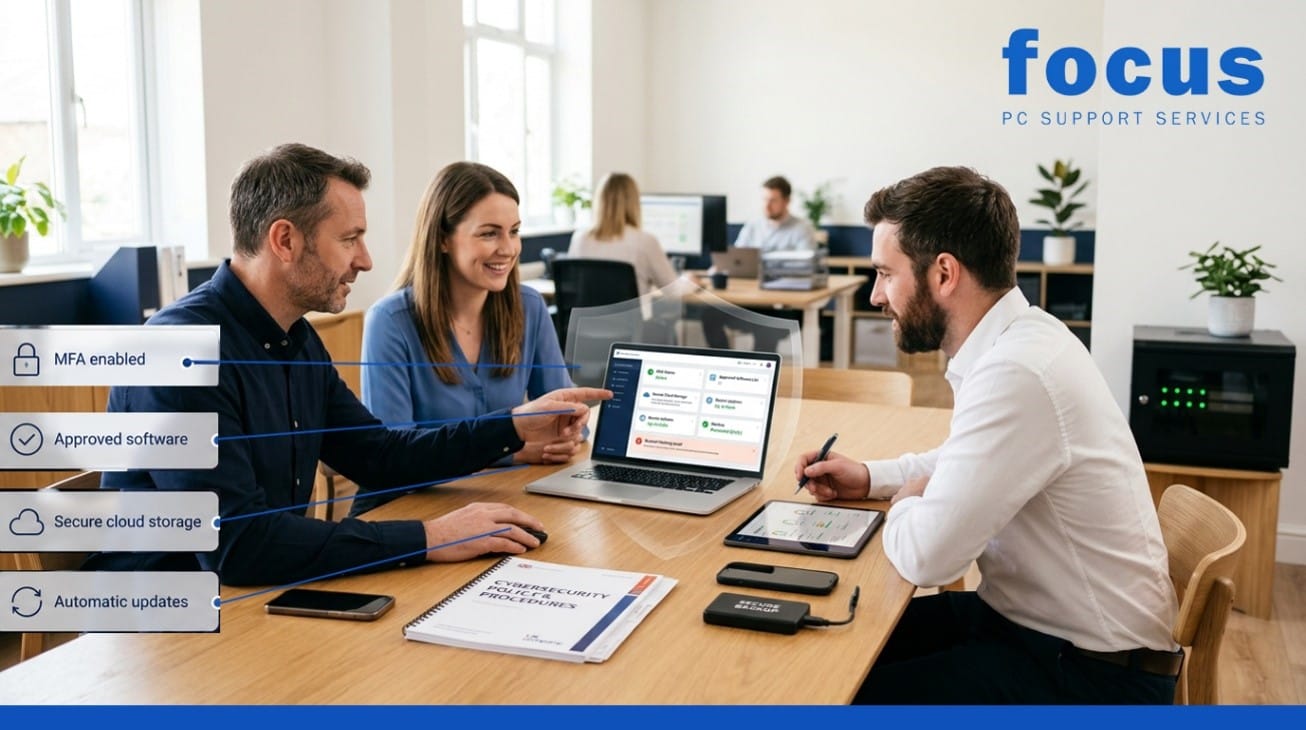
To make this practical, the policy should recommend or provide a company-approved password manager. Furthermore, it must require multi-factor authentication (MFA) for all critical systems, such as email and accounting software. Finally, the policy must strictly prohibit shared login credentials. If a team needs access to a shared tool, they should use individual accounts with appropriate permission levels, ensuring accountability and easier offboarding when staff leave.
3. Data Protection and Privacy Policy
Your data protection policy explains what personal and confidential information the company collects, where it is stored, who can access it and when it should be deleted. This is crucial for maintaining customer trust and meeting your UK data protection responsibilities under the UK GDPR and the Data Protection Act 2018.
While this blog does not provide legal advice, your policy should outline the basic principles of data minimisation—only collecting what you need—and secure storage. For instance, it should specify that customer financial records must be kept in a secure, access-controlled cloud folder rather than on a local desktop, and that data should be securely deleted once it is no longer legally or operationally required.
4. Remote Working and Personal Device Policy
With hybrid working now the norm, remote working security is more important than ever. This policy covers the expectations for staff working from home or on the go. It should outline the need for secure home Wi-Fi (using WPA2 or WPA3 encryption) and mandate device encryption and automatic screen locking after a short period of inactivity.
The policy must also define the rules for using approved cloud storage versus unauthorised file-sharing sites. If you allow Bring Your Own Device (BYOD), the policy needs clear rules for using personal laptops or mobile phones for work. Alternatively, if you provide company-managed devices, the policy should state that these devices must not be used for high-risk personal activities and must remain under the management of your IT controls.
5. Software Updates and Device Management Policy
Outdated software is one of the most common entry points for cyber criminals. A strong software updates and device management policy explains the requirement for regular operating-system updates and software patches. It should clarify that ignoring update prompts is not an option.
This policy should also cover antivirus protection and the strict rule against using unsupported devices or outdated operating systems that no longer receive security patches. To make compliance easy for your team, the policy should highlight the benefits of centralised device management. By using centralised tools, your IT team can automatically push updates and security configurations to all company laptops and phones in the background, ensuring business IT security is maintained without disrupting the employee’s workflow.
6. Backup and Disaster Recovery Policy
No matter how strong your defences are, a solid backup and disaster recovery policy ensures you can survive a worst-case scenario, such as a ransomware attack or accidental data deletion. This policy must discuss backup frequency (e.g., hourly or daily), secure storage locations and the specific recovery testing schedule.
It should also assign clear responsibilities for managing and monitoring these backups. Crucially, the policy must mandate keeping at least one protected or offline backup copy. If all your backups are connected to your main network, a ransomware infection could encrypt them too. An offline or immutable backup ensures you always have a clean copy of your data to restore from.
7. Incident Response Policy
When a cyber incident occurs, panic is your biggest enemy. An incident response plan provides a clear, step-by-step guide on what employees should do after clicking a suspicious link, losing a device, receiving a phishing email or noticing unusual account activity.
This policy should establish clear reporting procedures, such as a dedicated email address or phone number for reporting IT issues. It must include instructions for account isolation, such as disconnecting an infected laptop from the Wi-Fi immediately. Finally, it should outline clear decision-making responsibilities, ensuring staff know exactly who has the authority to make critical decisions, like shutting down a server or contacting external authorities, during a crisis.
Policies Only Work When People Use Them
Writing a cybersecurity policy is only the first step; small business cybersecurity policies only provide value if your team actually reads, understands and follows them. These rules should be introduced during employee onboarding, ensuring that security is part of the company culture from day one.
Furthermore, they must be reinforced through regular cybersecurity awareness training. A single annual seminar is not enough; regular, bite-sized training helps keep threats like phishing top of mind. Finally, these documents are not static. They must be reviewed and updated whenever the company adopts new technology, introduces new software, or changes its working practices. Partnering with managed IT support can help you keep these policies aligned with the latest technological changes and threat landscapes.Secure Your Business with Focus PC
Establishing IT security policies for small businesses does not have to be an overwhelming task, but it does require expertise and careful planning. If you are looking to formalise your defences, Focus PC can help UK businesses build a resilient digital environment.
We can help you:
- Assess IT security risks to identify your specific vulnerabilities.
- Improve Microsoft 365 security to protect your most critical communications and data.
- Manage business devices to ensure all laptops and mobiles are secure and up to date.
- Strengthen backups to guarantee your data is always recoverable.
- Support remote working with secure, seamless access for your hybrid team.
- Create practical IT security policies tailored to your unique business operations.
- Build a secure and scalable IT environment that grows alongside your company.
Do not wait for a cyber incident to highlight the gaps in your defences. Contact Focus PC today to ensure your business is protected, compliant and ready for the future.