
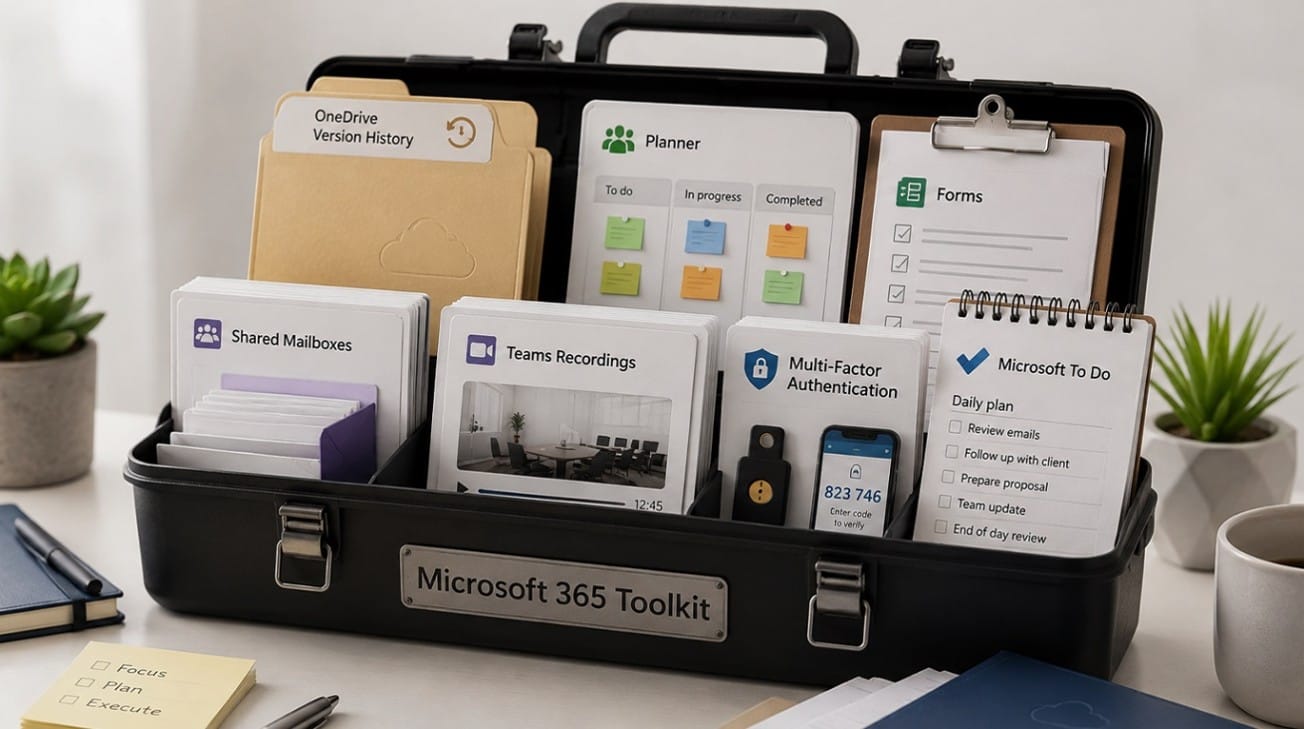
Many businesses pay a monthly subscription for Microsoft 365 but only use a small fraction of what is included. Tools like Outlook, Word, Excel, and Teams chat are incredibly useful, but several valuable features are often completely ignored.
Using these overlooked Microsoft 365 features for businesses can help you save time, stay organised, improve security, and get much better value from your existing subscription. Instead of buying extra software, you might already have the solution you need.
Why Businesses Underuse Microsoft 365
There are a few common reasons why teams fail to use their full software suite. Often, staff are simply not trained on how to use the more advanced tools. Other times, these features are hidden deep inside the Microsoft 365 ecosystem, making them hard to find.
Many businesses continue using old habits because no one has reviewed their Microsoft 365 setup. Furthermore, permissions, storage, and security settings may not be properly configured. Without clear guidance, teams often do not know which tool to use for which task, leading to confusion and underutilisation.
Feature 1: OneDrive Version History
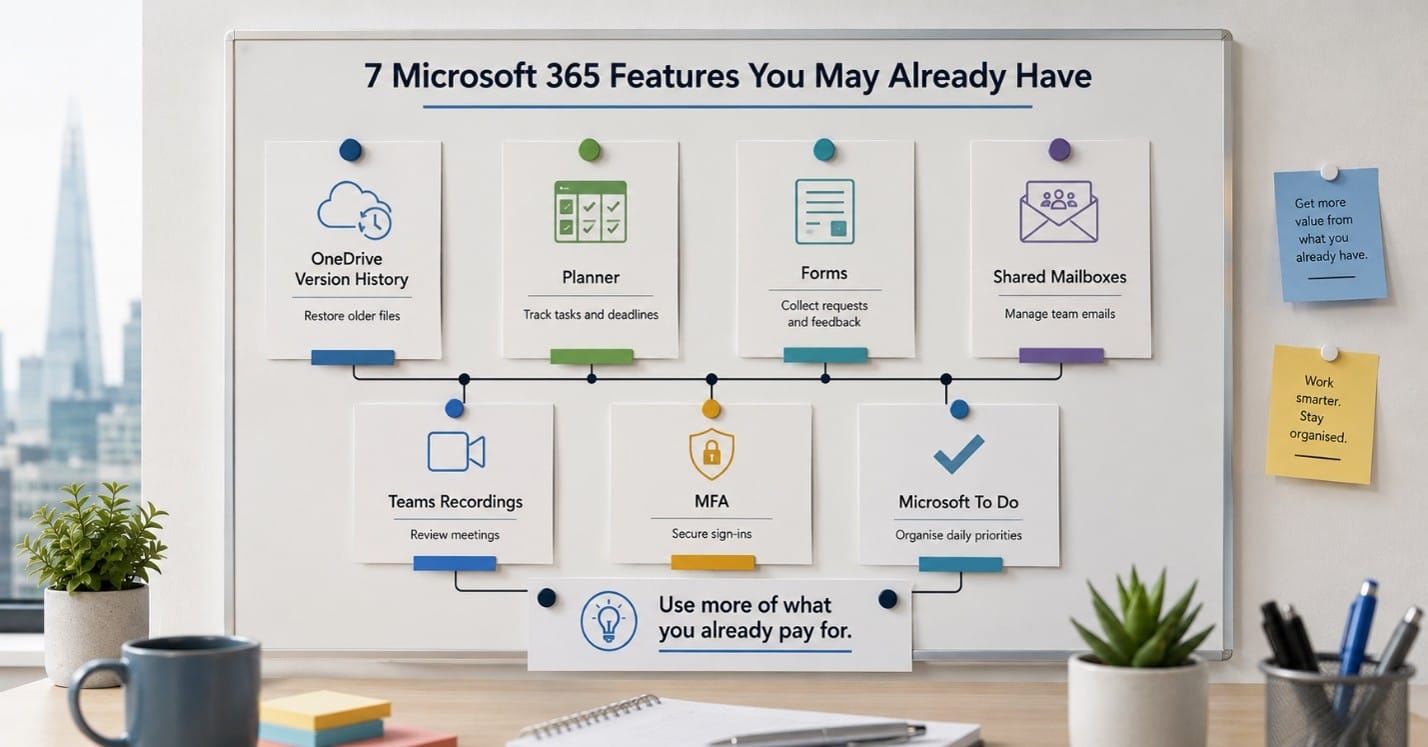
OneDrive version history allows users to restore earlier versions of their files. If someone accidentally deletes content, overwrites a document, or needs to recover an older draft, this feature is a lifesaver. It reduces panic, prevents data loss, and significantly improves overall file management without needing third-party recovery software.
Feature 2: Microsoft Planner
Planner is a simple, visual task and project management tool. Teams can create boards, assign tasks, set deadlines, and track progress in real time. Many small businesses pay for external project management apps when Planner may already be included in their Microsoft 365 plan, depending on their specific subscription.
Feature 3: Microsoft Forms
Forms makes it easy to create surveys, feedback forms, and internal request forms. You can use it for holiday requests, IT issue reporting, customer feedback, event registration, or staff onboarding. By digitising these processes, Forms reduces manual email back-and-forth and keeps all responses neatly organised in one place.
Feature 4: Shared Mailboxes
Shared mailboxes are centralised email addresses like info@, support@, accounts@, or sales@. They help teams manage customer communication collaboratively without the security risk of sharing passwords. Multiple users can access the same inbox, assign emails to themselves, and track replies, provided the correct setup and permissions are in place.
Feature 5: Teams Meeting Recordings and Transcripts
Depending on your organisation’s settings and licence, Teams can record meetings and automatically generate transcripts. This is highly useful for training, catching up on missed meetings, reviewing client calls, and ensuring accurate internal follow-ups. Businesses should also ensure they review privacy, access control, and storage settings when using this feature.
Feature 6: Multi-Factor Authentication
Multi-factor authentication (MFA) adds an extra security step beyond a standard password. It requires users to verify their identity using a second method, like a mobile app notification. This is one of the most important Microsoft 365 security features available, helping protect email, files, client data, and business systems from unauthorised access.
Feature 7: Microsoft To Do
Microsoft To Do is a straightforward personal task management tool. It connects seamlessly with Outlook flagged emails, helping staff manage daily priorities in one place. It is highly useful for individuals who need a simple way to organise their work and create daily lists without learning a complex new application.
How These Features Improve Business Efficiency
When used together, these tools deliver significant operational benefits. You will spend less time searching for files and experience fewer missed tasks. Internal communication becomes smoother, email security is strengthened, and projects stay organised. Ultimately, you get a better use of the tools you are already paying for, which helps reduce unnecessary software subscriptions.
Why Microsoft 365 Setup Matters
These business productivity tools work best when your Microsoft 365 setup is properly configured. A good setup includes correct user permissions, robust email security, a logical OneDrive and SharePoint structure, appropriate Teams policies, enforced MFA setup, device security, and backup and recovery planning.
Without proper configuration and staff training, businesses will not get the full value from their subscription. Good Microsoft 365 security and structure are the foundations of a well-run digital workplace.
How Focus PC Can Help
Focus PC helps businesses in London review their current Microsoft 365 setup, identify unused features, and improve overall security. We can train your staff, configure shared mailboxes, set up cloud storage, and provide ongoing managed IT support.
Whether you need expert Microsoft 365 support London teams can rely on, strategic Microsoft 365 consultancy, or reliable cloud support London businesses trust, we are here to help. We also offer comprehensive cybersecurity reviews and managed IT support for small businesses. As a provider of IT support for small businesses, we deliver both remote and onsite IT support to keep your operations running smoothly. For managed IT support London companies require, our tailored small business IT support ensures your technology works as hard as you do.
Conclusion
Many businesses already pay for highly useful Microsoft 365 tools but simply do not use them. Small improvements in your initial setup and ongoing staff training can drastically improve efficiency without adding new software costs. Unlocking the full potential of your subscription is a practical step towards a smoother, more secure business operation.
If your business is paying for Microsoft 365 but only using the basics, Focus PC can help you unlock more value from your subscription. Contact Focus PC for practical Microsoft 365 support, cloud setup, and small business IT support in London.