
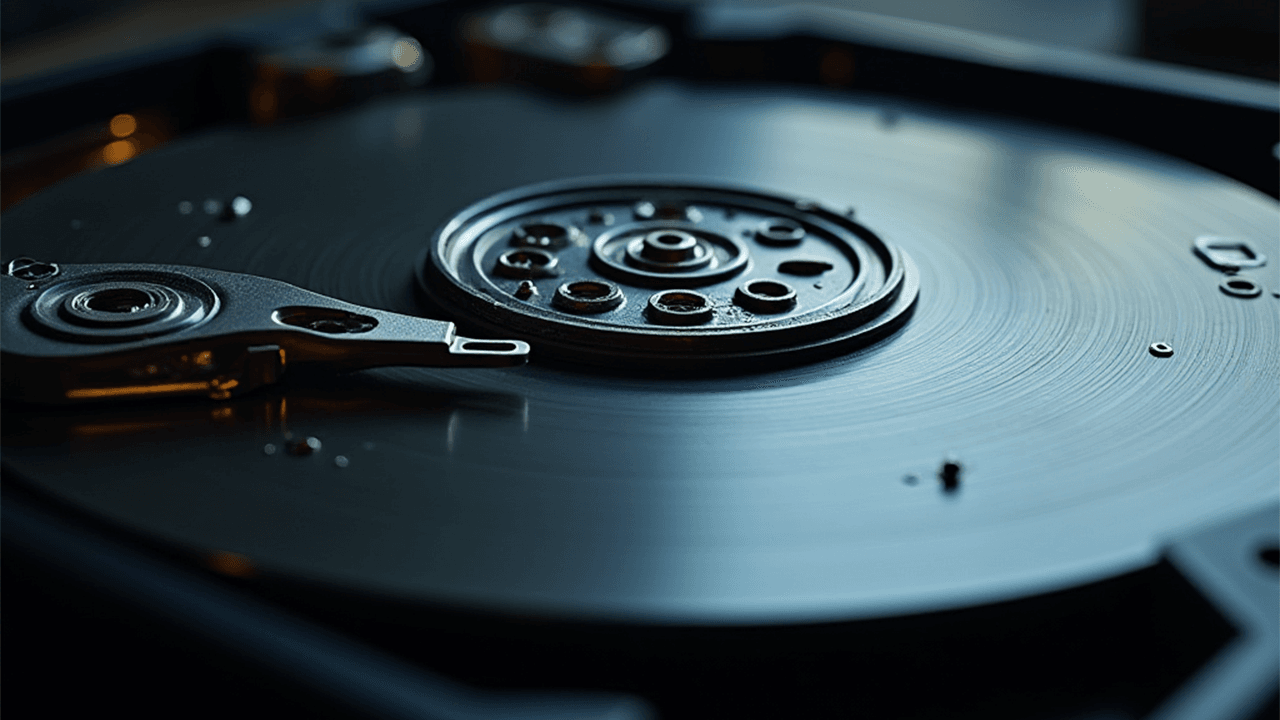
A failing hard drive rarely dies without warning. It usually gives small hints like glitches, strange sounds, or sudden slowdowns. If you catch these signs early, you can save your data, prevent downtime, and avoid an expensive recovery later.
A failing hard drive is one of the most common causes of data loss we see at Focus PC. Whether you’re using a desktop, laptop, or external drive, the symptoms are usually the same. This guide explains what to look for, why it happens, and what you should do immediately if you suspect failure.
What Really Causes Hard Drives to Fail
Hard drives are mechanical devices with tiny moving parts, so some wear and tear is bound to happen as they age. Heat, sudden power cuts, and accidental drops can speed up this damage. Even SSDs, although more reliable, have a finite lifespan because each storage cell can only handle a limited number of writes. Recognizing the warning signs early can be the difference between keeping your data safe and losing it for good.
Key Signs Your Hard Drive Is Starting to Fail
- Clicking or Grinding Noises
If your drive starts making repetitive clicking, scraping, or ticking noises, it’s usually the read/write head struggling to function. This is one of the most serious warning signs and often means the drive is very close to a complete failure. - Frequent System Crashes or Freezes
When Windows crashes randomly, especially during file operations, it may be struggling to read damaged sectors on the drive. - Slow Boot Times & Laggy File Transfers
If your PC suddenly takes ages to start or simple tasks like copying a file now feel painfully slow, your drive might be struggling to read data properly. - Files Disappearing or Becoming Corrupted
Missing folders, corrupted documents, or photos that suddenly won’t open are strong indicators of disk degradation. - Drive Not Detected at Times
If your system sometimes fails to recognize the drive, or it disappears mid-work, this usually points to electrical or mechanical failure.
Immediate Steps to Protect Your Data
1. The moment you suspect a drive issue, stop unnecessary tasks and back up everything you can, because even a partial backup is better than none.
2. Run a SMART health check using tools like CrystalDiskInfo, Hard Disk Sentinel, or GSmartControl. These can reveal issues such as reallocated or pending sectors, overheating, and overall drive health. If the status shows ‘Caution’ or ‘Bad,’ treat it as an urgent warning and act quickly.
3. Scan the drive for bad sectors using tools like CHKDSK, Mac Disk Utility, or Linux fsck, as these can detect early signs of physical damage before the problem gets worse.
4. Minimize how much you use the failing drive because continued activity can make the damage worse. Avoid heavy tasks like large downloads, intensive apps, video editing, or big file transfers, and let a professional handle the diagnosis safely.
How Focus PC Helps: Diagnose, Recover & Upgrade
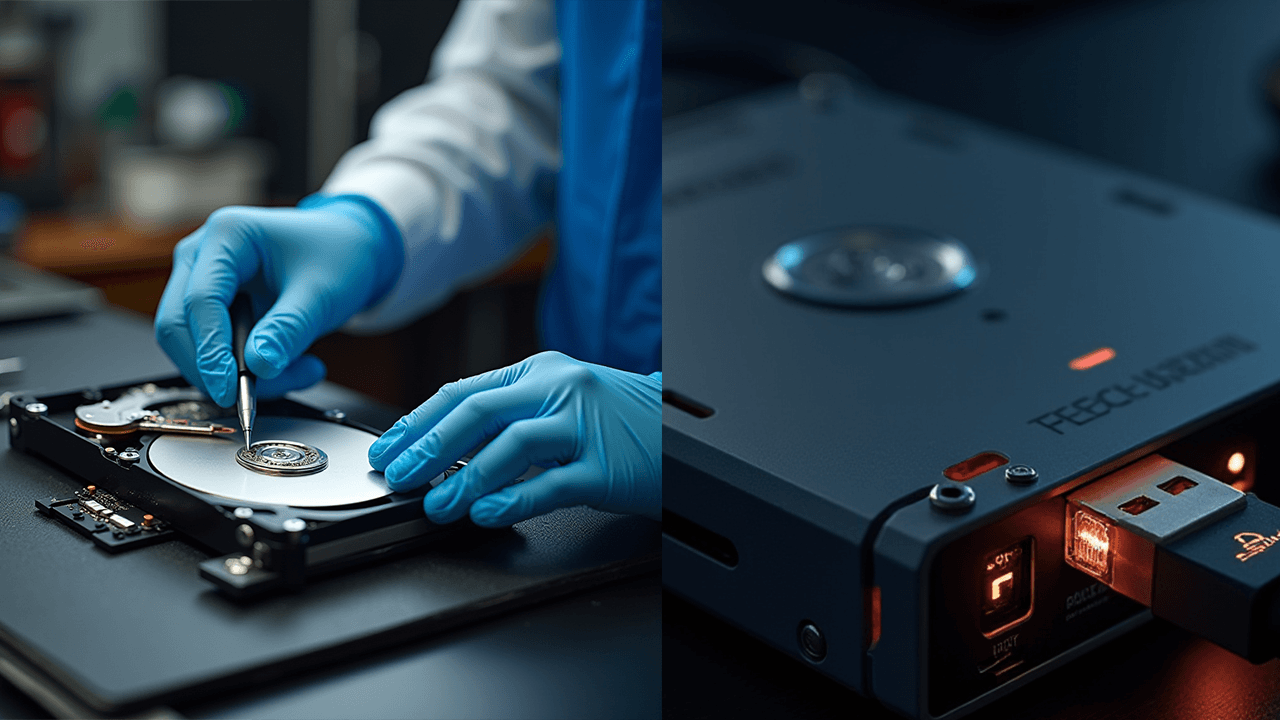
At Focus PC, we specialize in identifying and resolving hard-drive issues before they turn into disasters. Our experts use professional tools and clean-room workflows to ensure the highest chance of data protection.
✔ Drive Cloning (Before Total Failure) involves creating a complete sector-by-sector copy of your failing drive to preserve as much data as possible before the damage progresses.
✔ Our data recovery services handle everything from logical corruption to firmware and mechanical failures, using advanced tools to recover your data safely.
✔ Our SSD upgrade solutions give you a major boost in speed and reliability by switching from HDD to SSD, and we handle everything from full OS migration and driver updates to data transfer and system optimization.
✔ Our complete diagnostics and health reports give you a detailed breakdown of drive condition, bad sector mapping, SMART status, and replacement recommendations, all with transparent pricing and a fast turnaround.
SEO-Boosted Tips for Users Searching OnlinePeople commonly search for:
- How to know if my hard drive is dying
- Signs of hard drive failure
- Hard drive clicking sounds
- Slow PC due to failing HDD
- SSD upgrade services near me
This article is optimized to help you rank for these terms and attract local users seeking professional repair in the UK.
SEO-Boosted Tips for Users Searching Online
People commonly search for:
• How to know if my hard drive is dying
• Signs of hard drive failure
• Hard drive clicking sounds
• Slow PC due to failing HDD
• SSD upgrade services near me
This article is optimized to help you rank for these terms and attract local users seeking professional repair in the UK.
Final Takeaway
Hard drive failure can happen without warning, but noticing the early signs can help you protect your data and avoid expensive recovery.
Don’t wait for complete failure. Get a quick checkup at Focus PC for fast diagnostics, expert recovery, and honest service that keeps your data safe.