
Malware is one of the most common reasons behind slow computers, sudden pop-ups, strange programs, and even data theft. What makes malware particularly dangerous is how quietly it slips into your system, often without any obvious warning signs. Understanding how it enters your PC is the first step toward protecting your device and removing threats before they cause serious damage.
How Malware Enters Your System Unnoticed
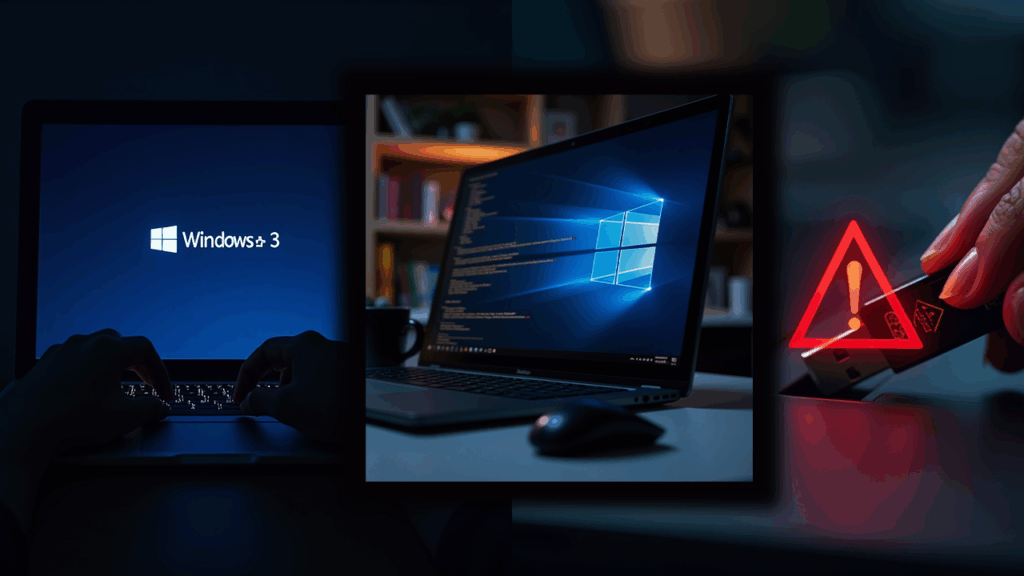
Most people believe malware only comes from suspicious websites, but in reality, even everyday online activity can expose you to harmful files. One of the most common sources is email. A message may appear completely harmless, yet the moment you click an attachment or link inside it, hidden malicious code can begin installing itself in the background.
Another major entry point is free or cracked software downloaded from unfamiliar websites. These downloads often contain bundled malware disguised as a useful tool. The same risk exists with shared USB devices. An infected USB drive can transfer harmful files instantly as soon as it is plugged into your computer.
Pop-up ads, fake system alerts and “You’ve won a prize” banners are also used to lure users into clicking pages that contain malware. If your operating system or applications are outdated, the vulnerabilities inside them make it even easier for attackers to break in. Cybercriminals rely on users who delay updates because unpatched systems act as open doors.
How to Remove Malware Safely and Protect Your Data
If you suspect malware has entered your system, quick action is essential. The first thing you should do is disconnect the computer from the internet. This stops the malware from spreading further or communicating with external servers.
The next step is to restart the PC in Safe Mode. This limits which programs can run and makes it easier for security tools to isolate harmful processes. Once you are in Safe Mode, use a reputable malware scanner such as Malwarebytes, Windows Defender, or any trusted antivirus solution. These tools can detect, quarantine, and remove most threats effectively.
After scanning, check for any unfamiliar programs in your applications list and uninstall anything that looks suspicious or was installed recently. Cleaning temporary and cached files is also important because malware often hides inside these folders. If you notice browser issues like a changed homepage or random advertisements, resetting your browser settings can help restore normal behaviour.
While these steps can remove many forms of malware, not every threat is easy to eliminate. Some advanced infections embed themselves deeply in the system or disguise themselves as legitimate files. If you are not comfortable performing manual fixes, or if the infected device contains sensitive information, it is far safer to let a professional handle the removal process.
Why Prevention Will Always Be the Strongest Defense
Keeping your PC protected requires consistent digital hygiene. Having a reliable antivirus solution and updating it regularly is one of the simplest ways to block threats. Avoiding pirated content, cracked software, and unknown download links dramatically reduces your risk as well.
Whenever you enter personal information online, make sure the website address is genuine. Cybercriminals routinely create fake pages that look identical to real ones, especially banking and shopping sites. Regular backups, whether stored on the cloud or on an external drive, ensure you can recover your data even if malware strikes unexpectedly.
Final Word: Don’t Guess, Get Professional Help

Dealing with malware can quickly become overwhelming, especially when your computer starts slowing down, freezing, or exposing your personal data. At Focus PC, we provide professional malware removal services that go beyond simply cleaning your system. We focus on long-term protection to ensure the problem does not return.
If you suspect your PC is infected or simply want a full security health check, book a deep malware scan and removal service with Focus PC. Your data, privacy, and peace of mind deserve expert protection.